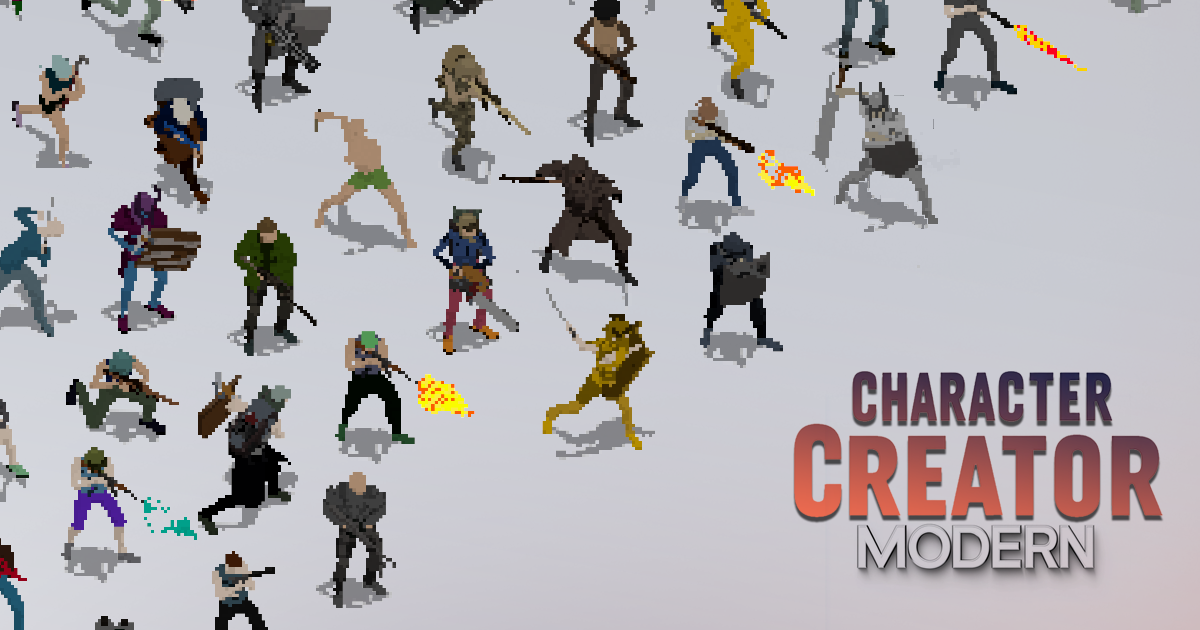
Character Creator 2D - Modern
A downloadable asset pack
🎨 Character Creator – Modern 2D
⚠️ Two Versions Included
This product includes:
A standalone version BETA (Windows) that runs independently — no Unity installation required, just unzip the files and run the .exe. Created spritesheets are placed in the "Created Spritesheets" folder.
A Unity asset package (.unitypackage) for direct integration into your Unity projects.
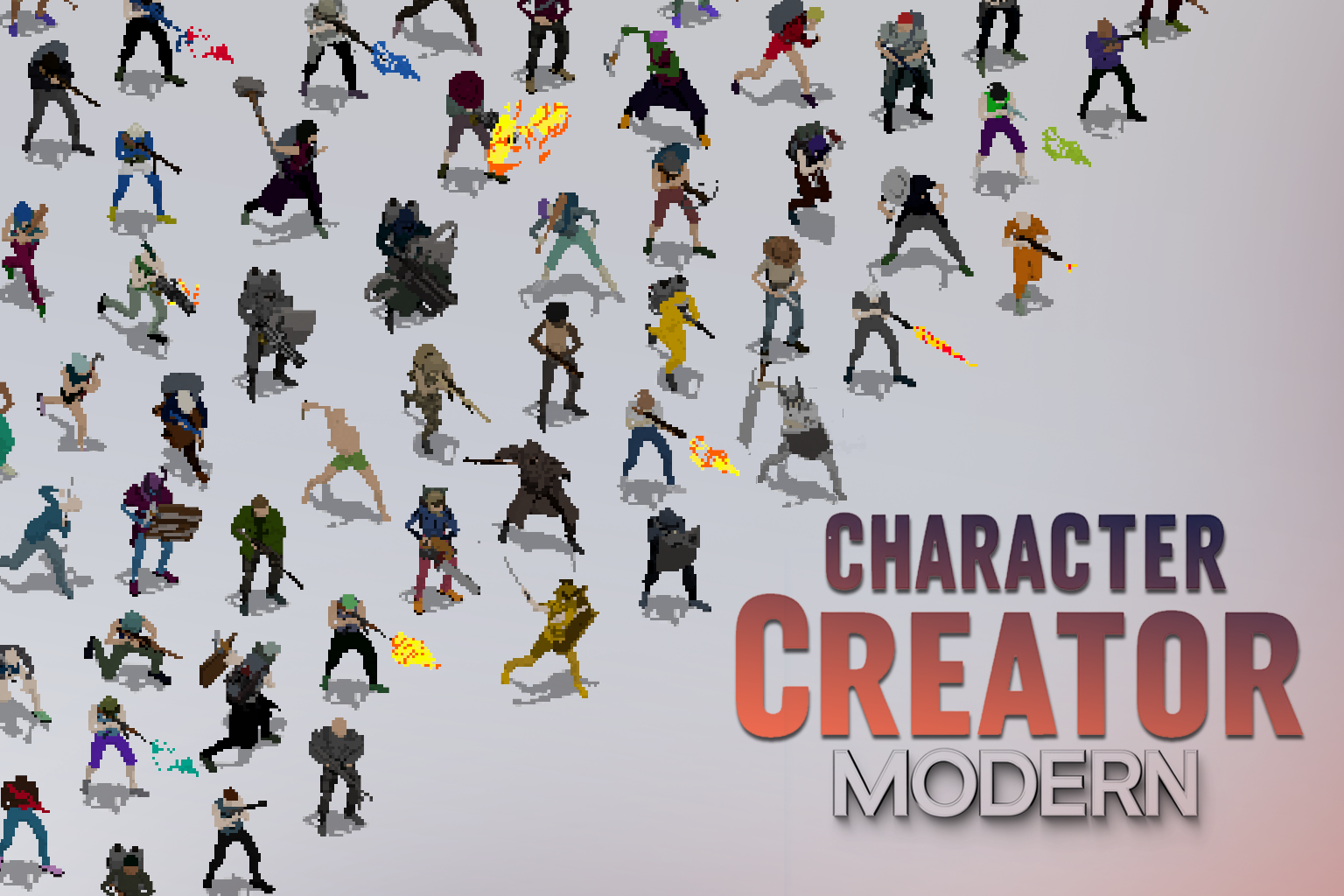
Character Creator – Modern 2D HD is a comprehensive 2D character customization system built specifically for top-down and isometric games made in Unity. Whether you’re developing a post-apocalyptic RPG, a tactical shooter, or a survival game packed with unique NPCs, or a RTS game, this tool gives you everything you need to create visually consistent, modular 2D characters—with zero drawing required.
🚀 New in Version 2.0!
Version 2.0 introduces powerful new features that give you even greater control over your characters' look and style:
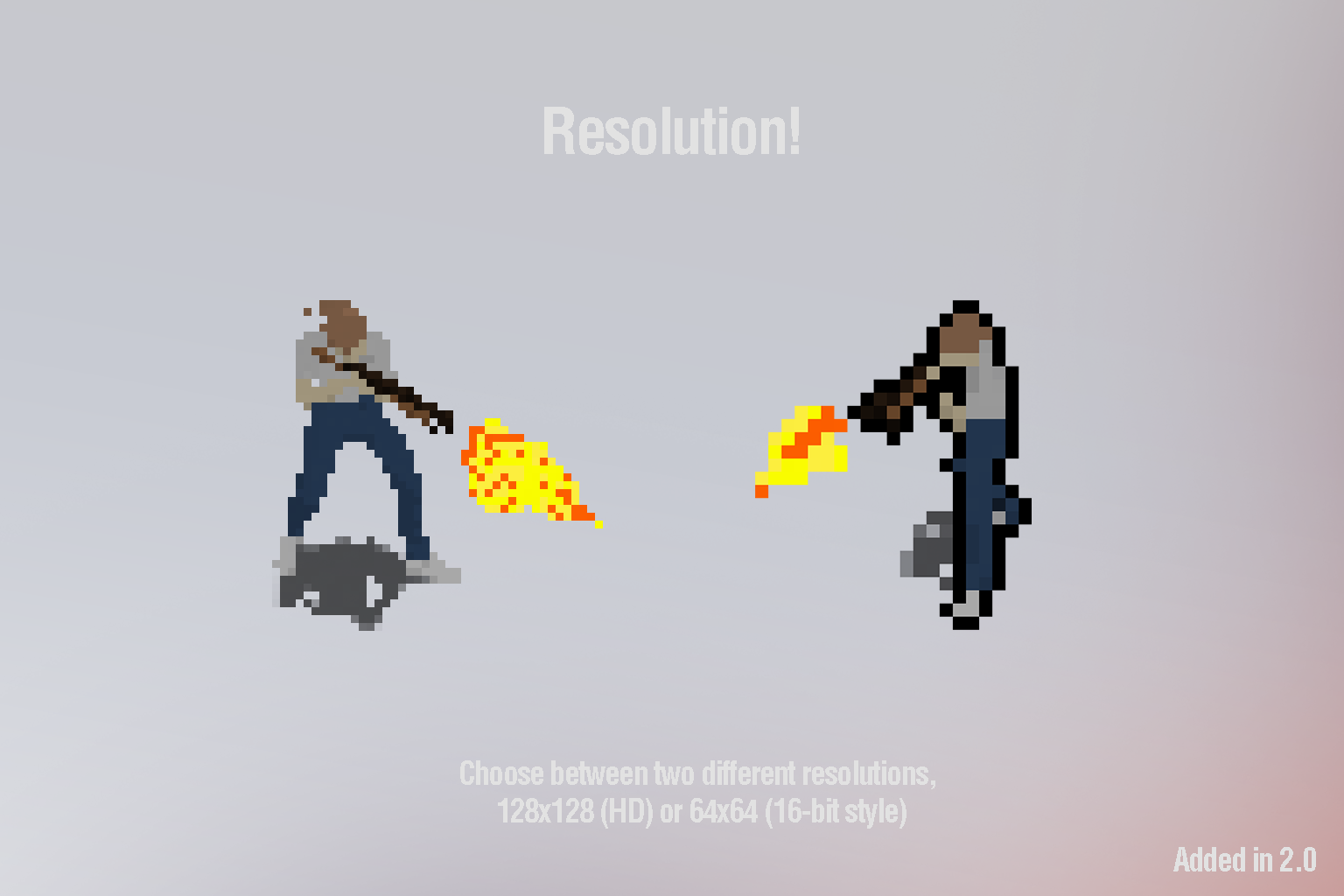
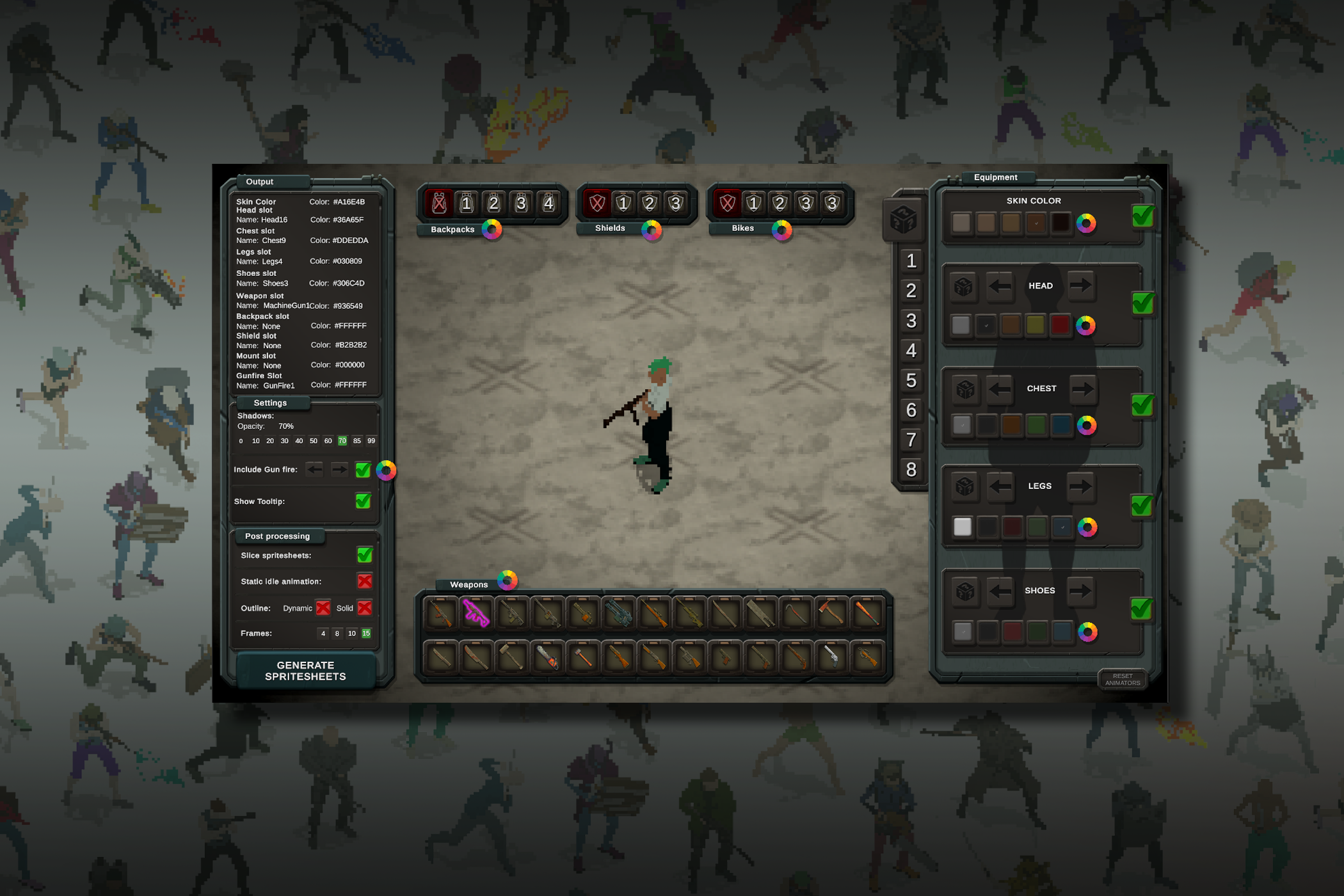
"With the 2.0 update, users can now choose between HD or pixelated 16-bit exports, add outlines, control animation frame rates, and even equip characters with bikes and vehicles. Create retro or modern looks effortlessly!"
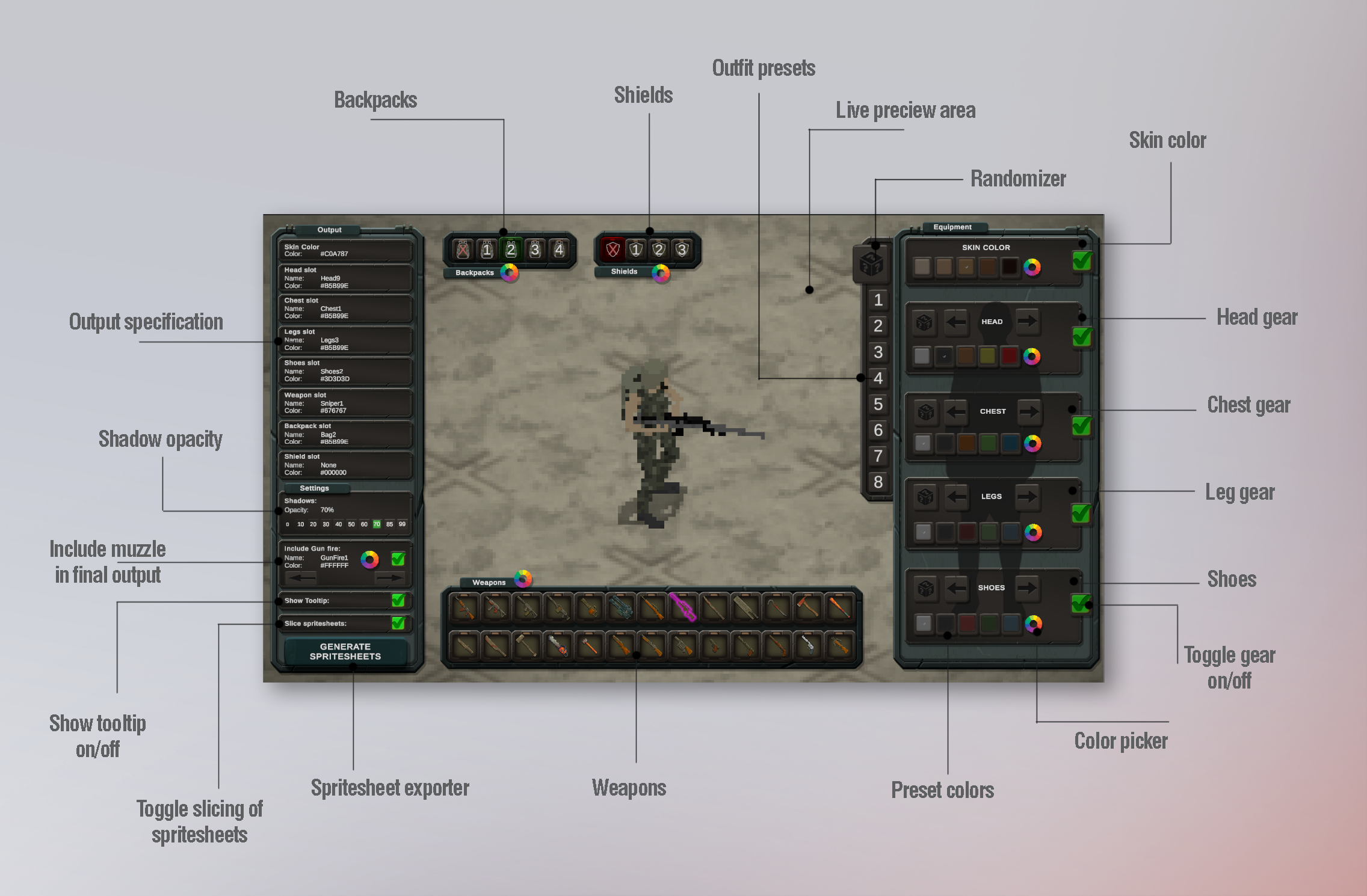
You'll be able to visually assemble characters using a intuitive UI, swap gear in real time, recolor individual parts, preview animations, and export clean spritesheets directly from the creator.
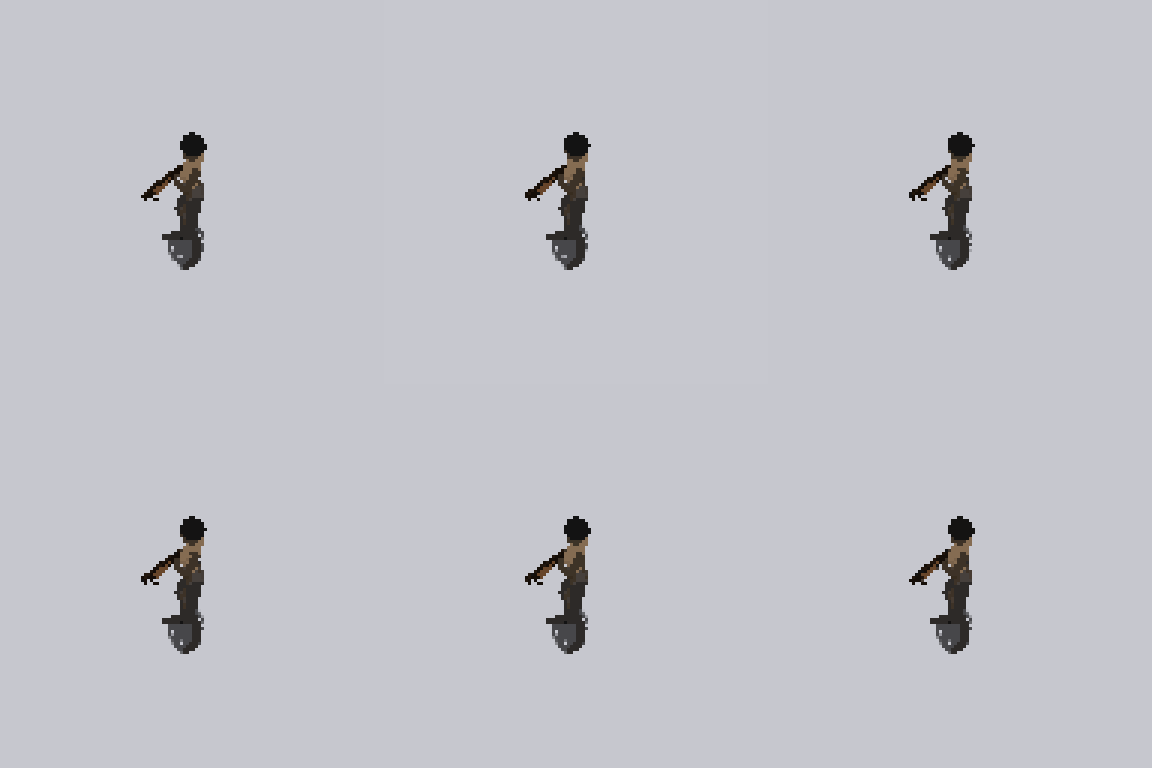
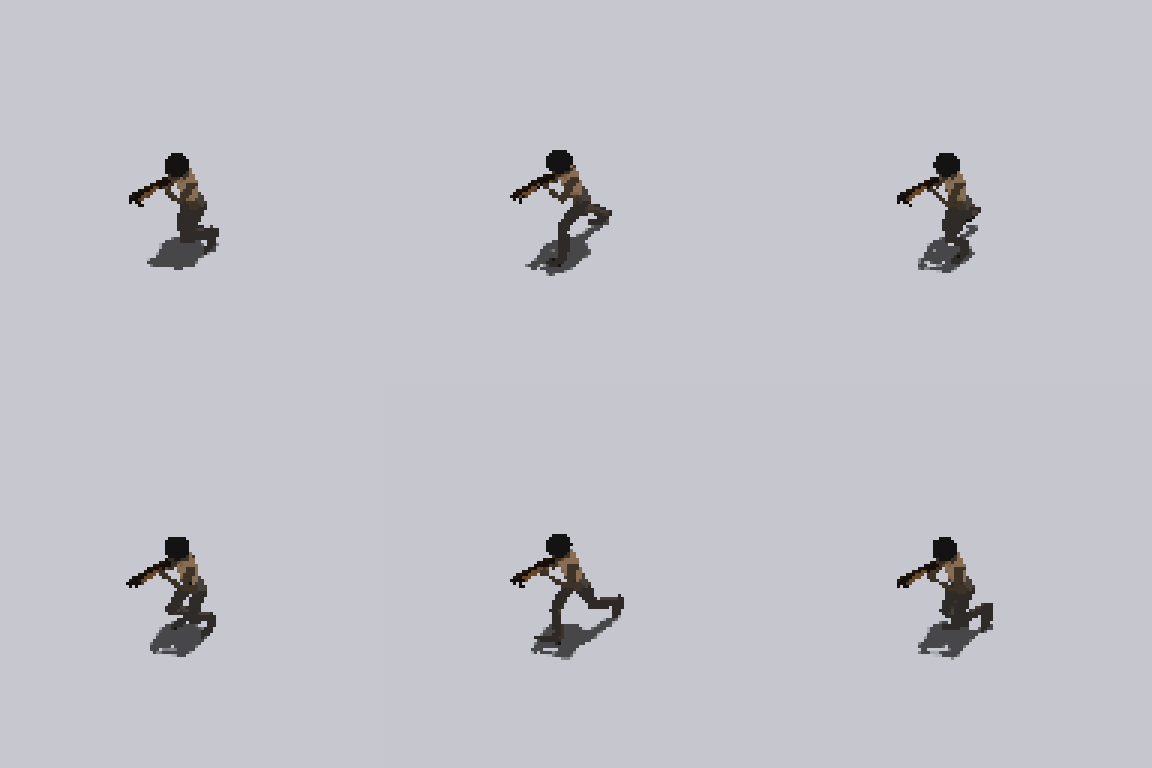
🎮 Key Features
🧍 Modular Character Assembly
Build characters by combining interchangeable parts:
-
✅ 16+ Heads – Hair styles, helmets, masks, etc.
-
✅ 14+ Chests – Tactical vests, jackets, armors
-
✅ 9+ Legs – Shorts, jeans, armor pants, etc.
-
✅ 3+ Shoe Types – Boots, sneakers, rugged footwear
-
✅ 4+ Backpacks – Survival bags, satchels, military packs
-
✅ 3+ Shields – Riot, wood, classic shields
-
✅ 26+ Weapons – Pistols, SMGs, shotguns, snipers, crossbows, melee, and more
🎨 Full Color Customization
-
Every gear piece supports individual tinting
-
Use quick toggles or a global swatch system
-
Hide any part (great for unarmed NPCs)
-
Customize skin tone and weapon color
-
Compatible with runtime color switching
🛠️ Post Processing Features (Added in 2.0)
Enhance your spritesheets with new export options:
-
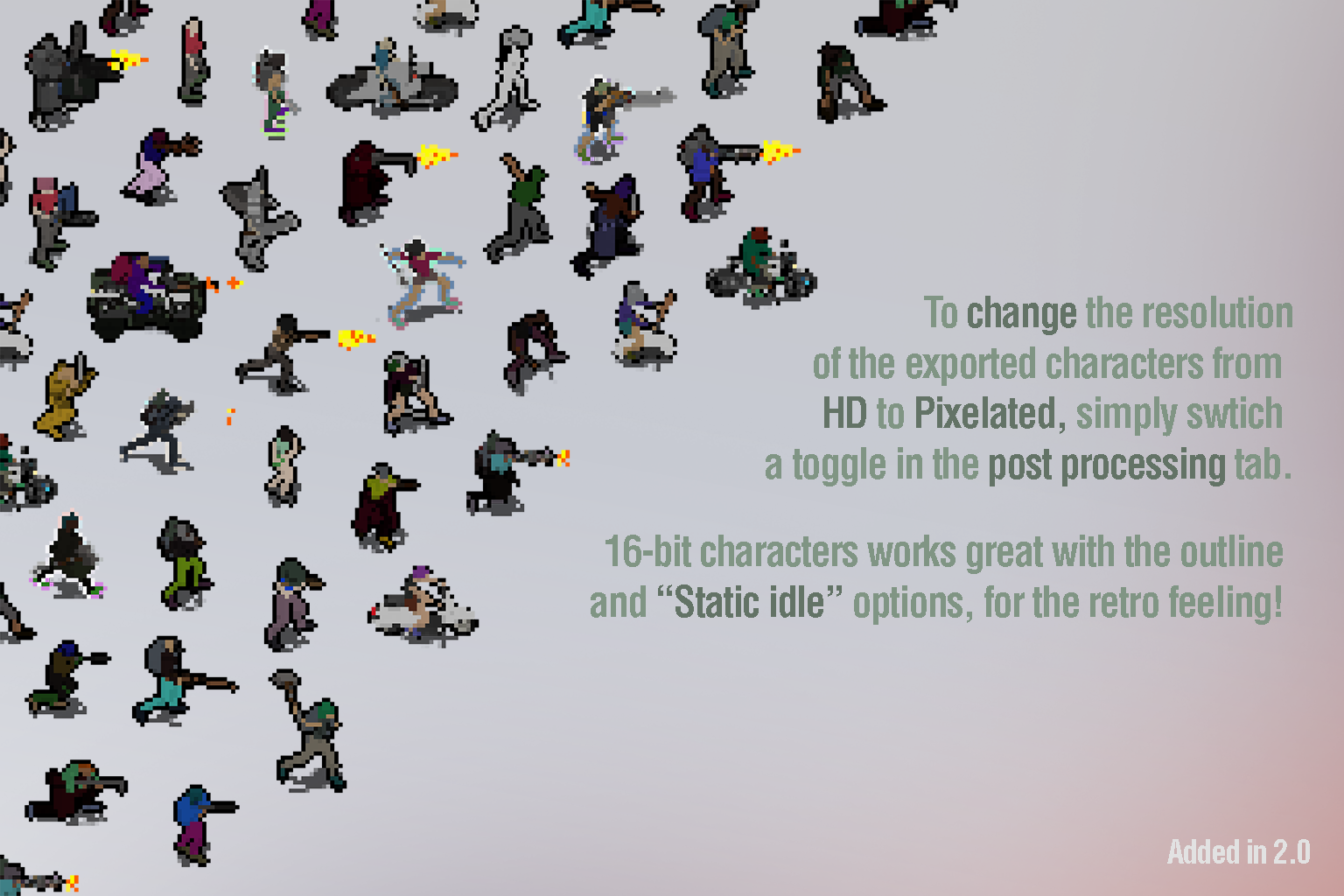
Output Resolution Options:
-
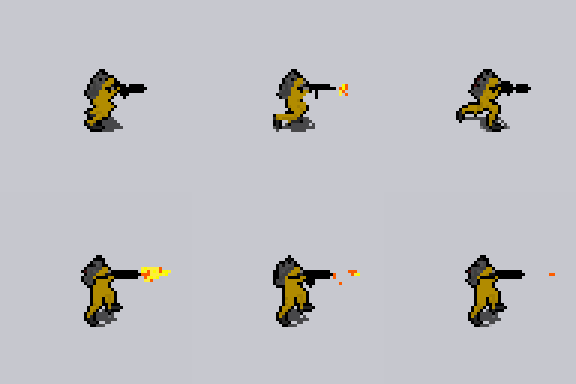
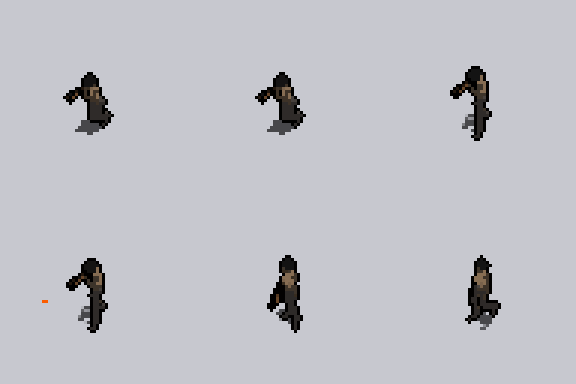
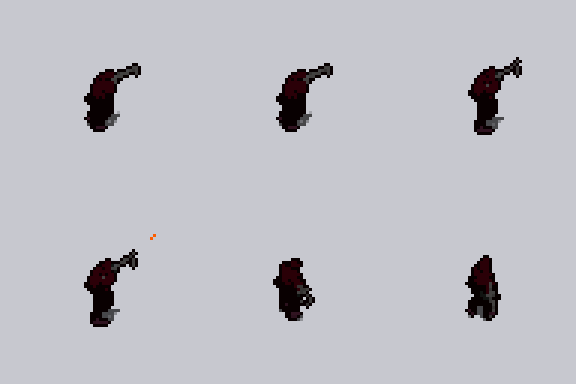
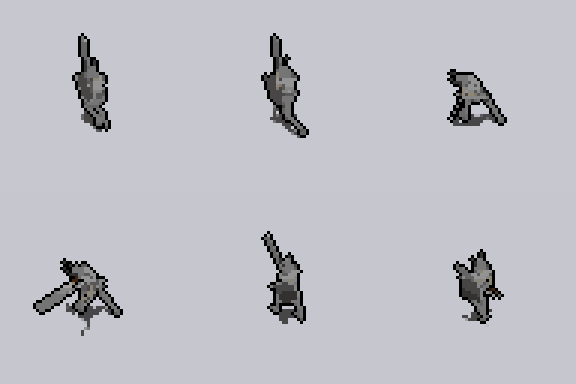
Export characters in HD (128x128 pixels per frame) or 16-bit pixel style (64x64 pixels per frame) for a retro feel.
-
-
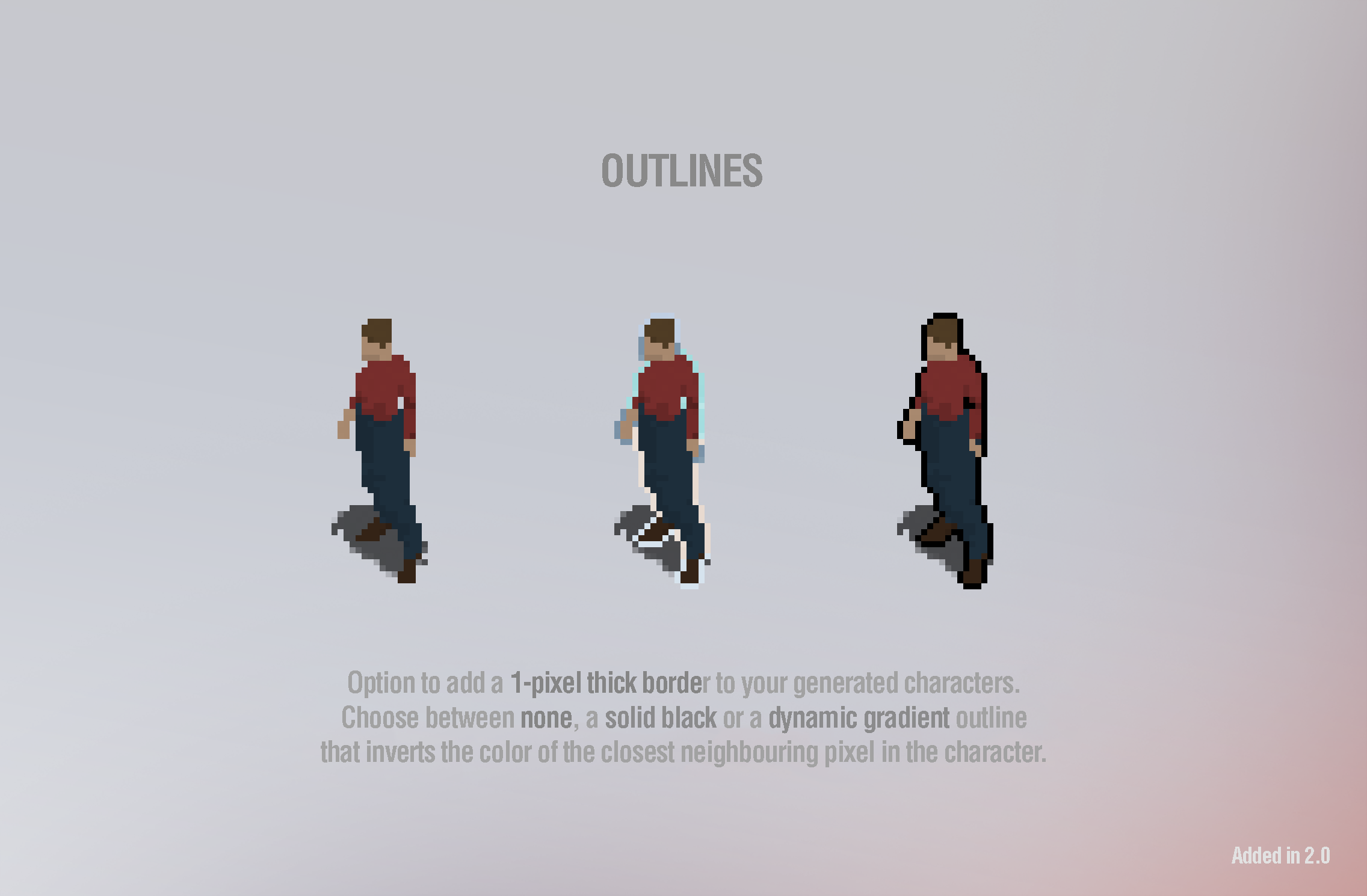
Outline Effects:
-
Solid Black Outline for bold silhouettes.
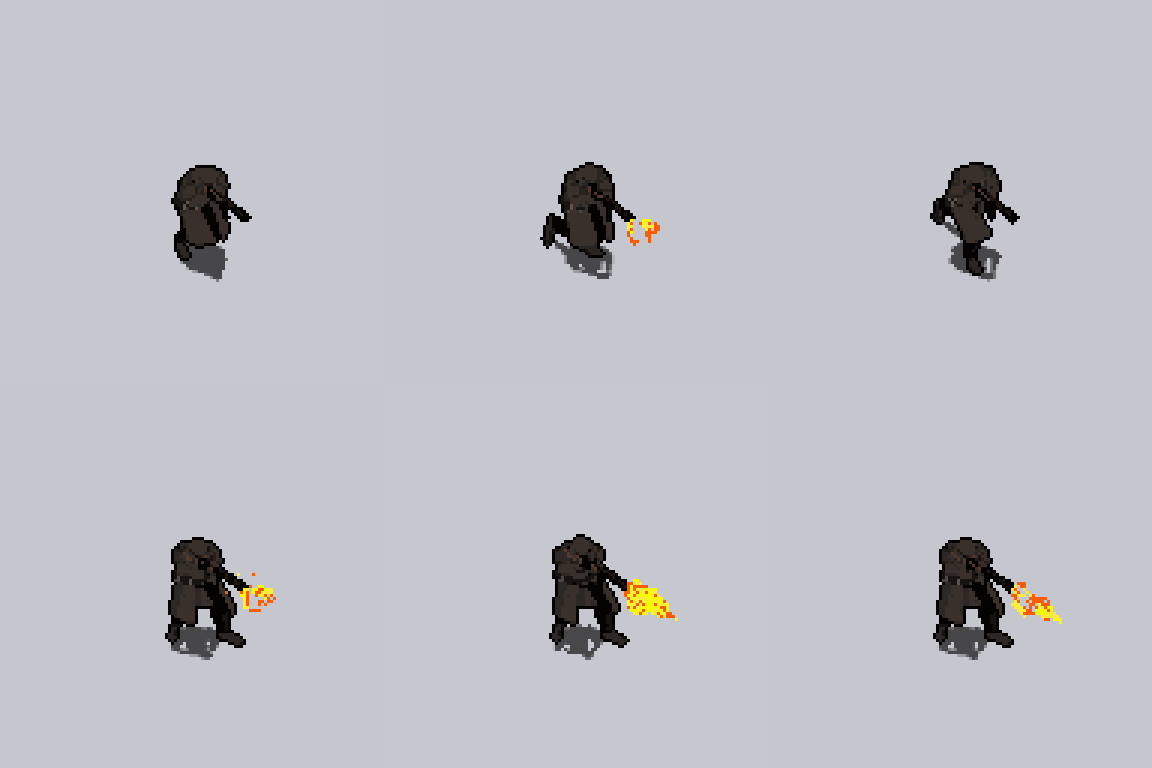
-
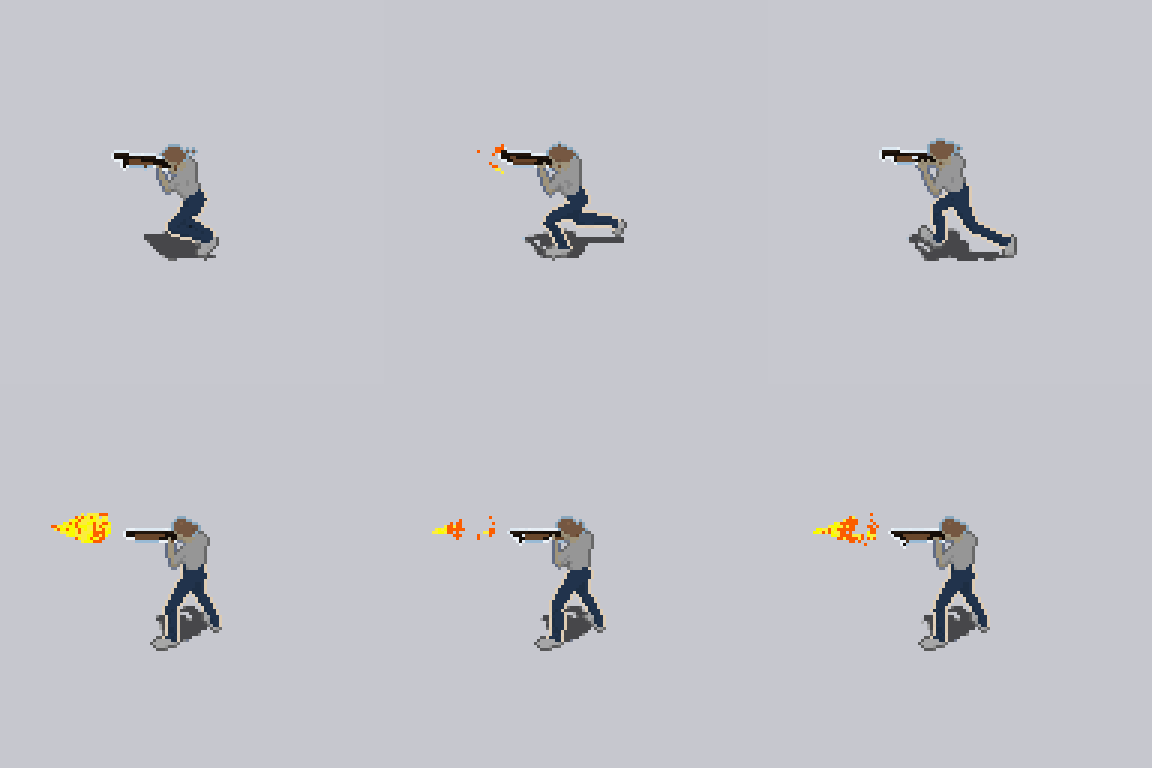
Gradient Outline using inverted nearby colors for a dynamic, stylized border.
-
-
Static Idle Mode:
-
Make idle animations completely static to eliminate subtle breathing or body movement — ideal for retro and pixel-perfect games.
-
-
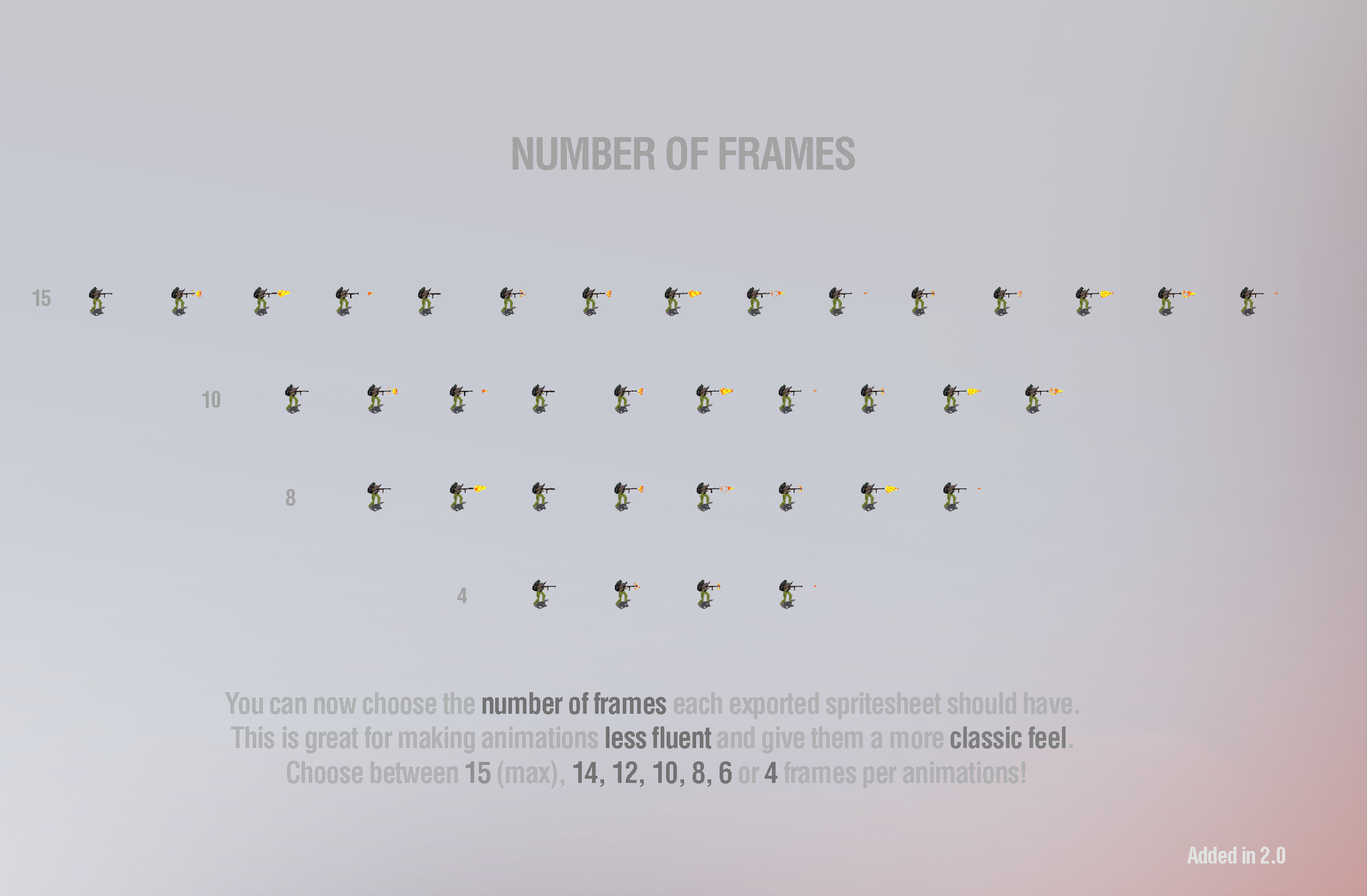
Customizable Frame Rates:
-
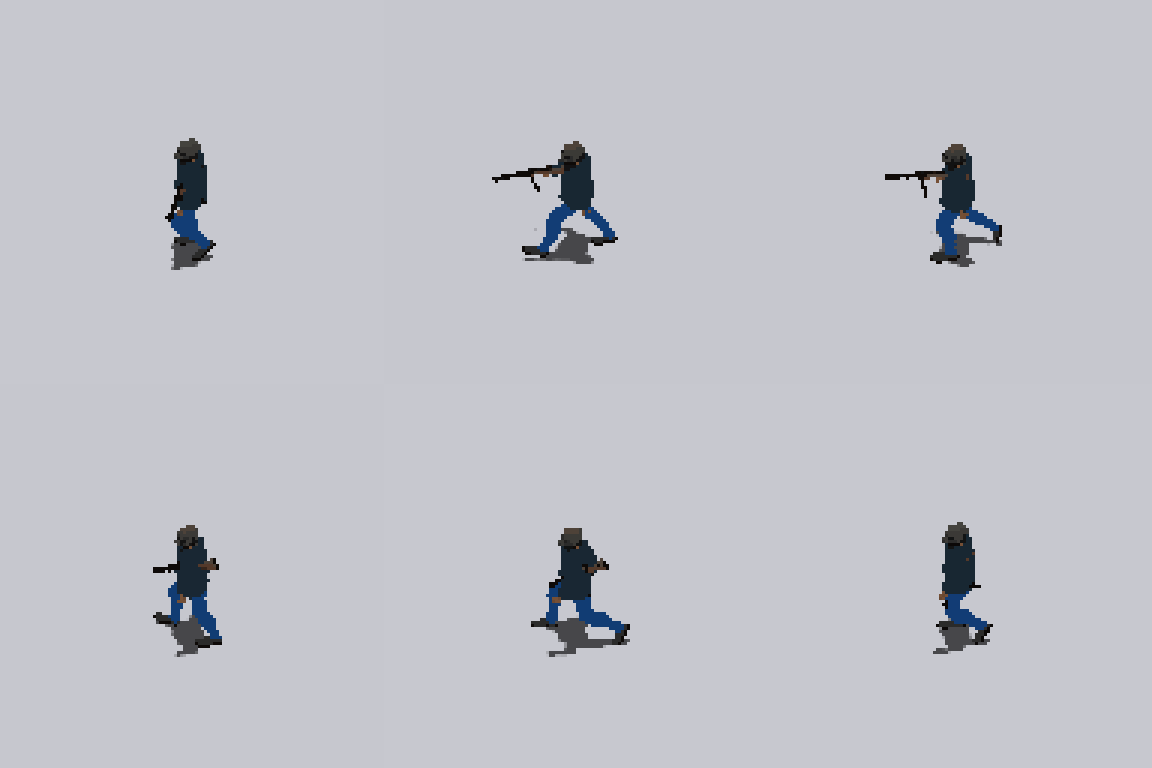
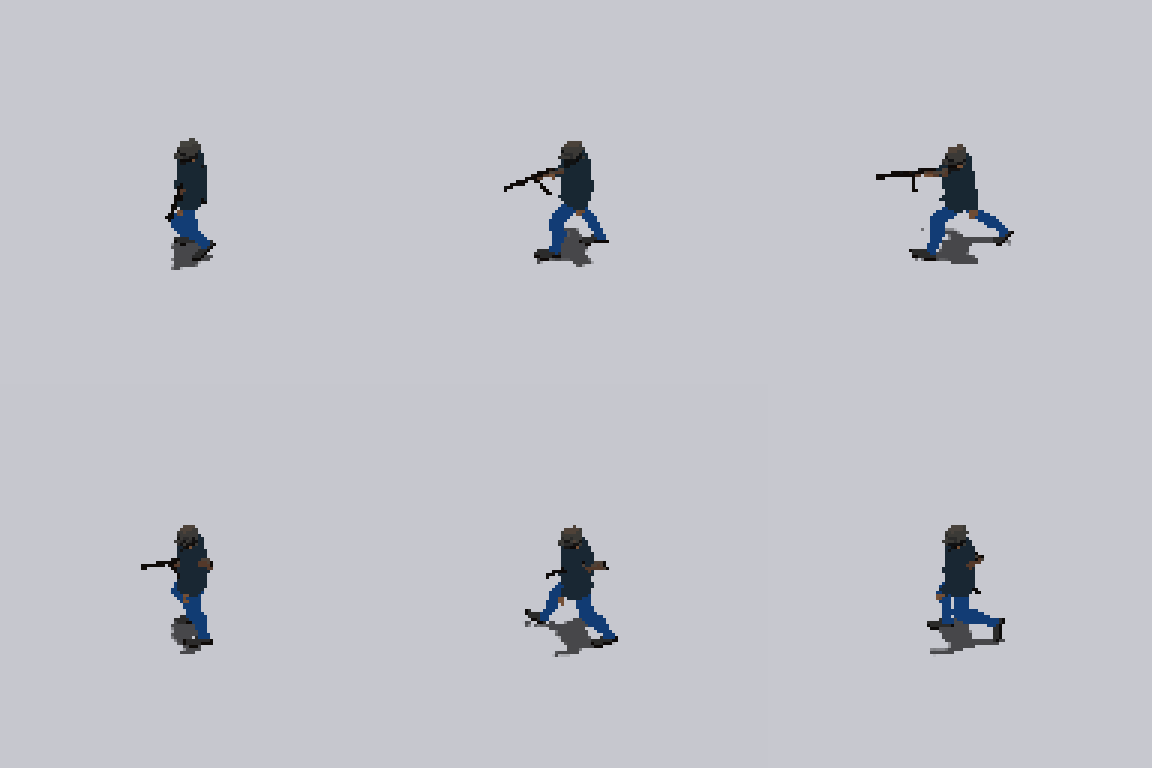
Choose between 4, 6, 8, 10, 12, 14, or 15 frames per animation.
-
Easily create old-school choppy animations or smooth modern motion.
-
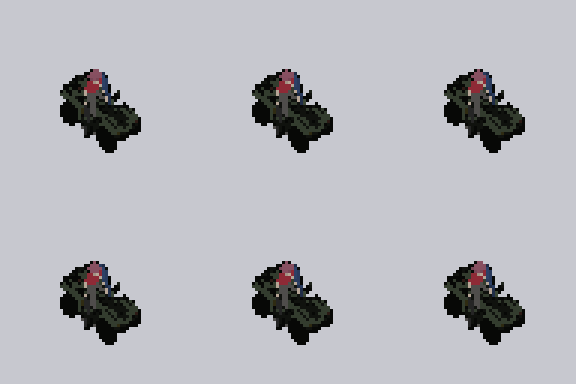
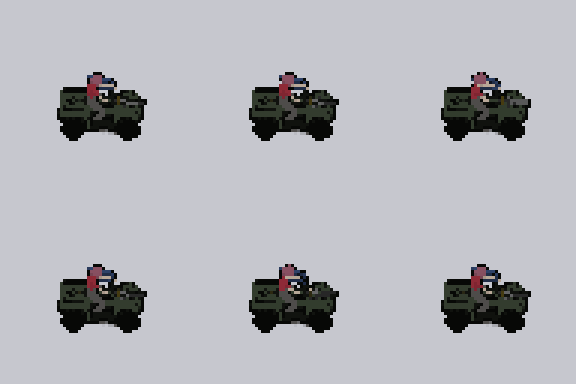
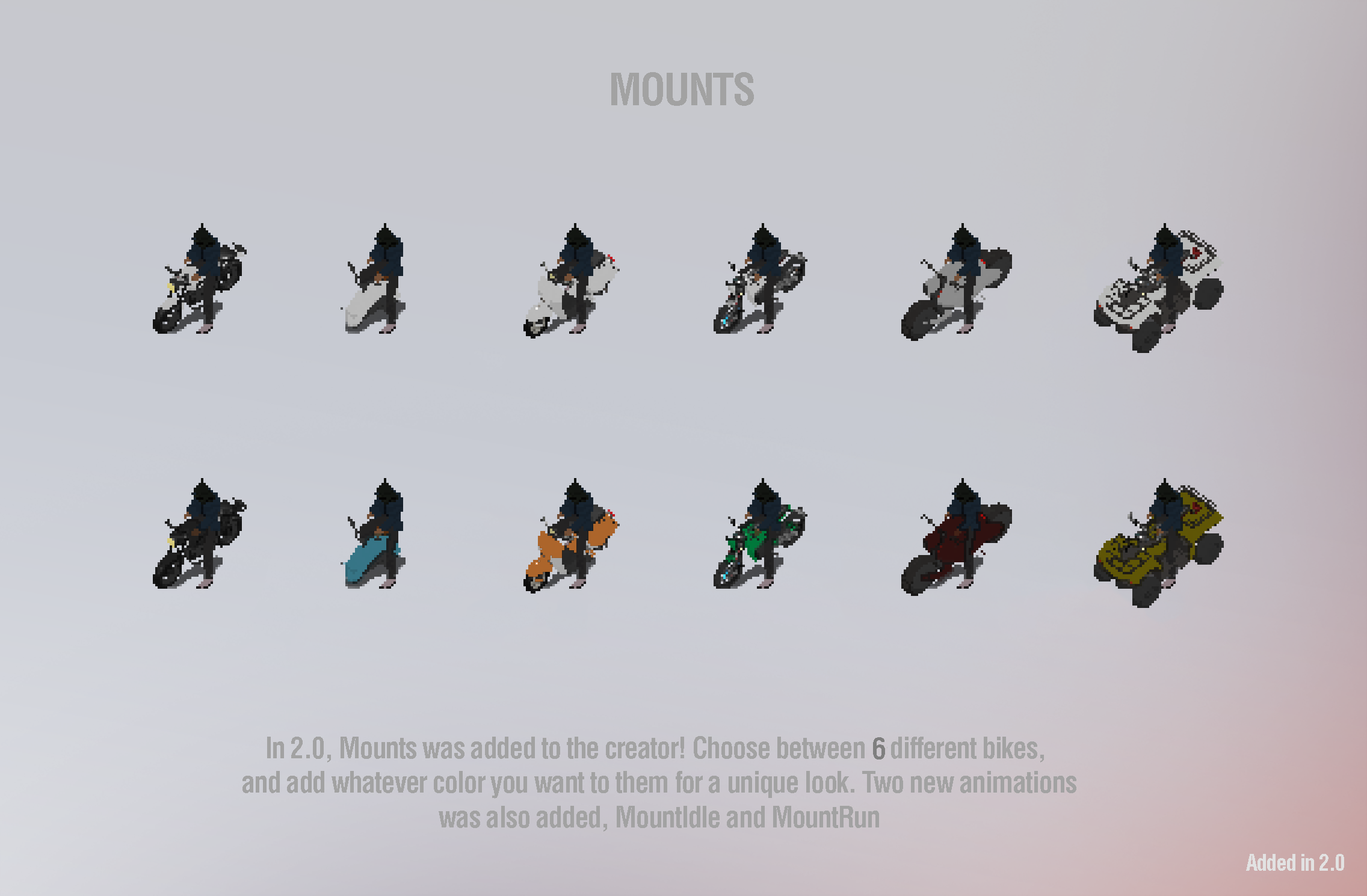
🏍️ Vehicles and Bike Animations (Added in 2.0)
Characters can now ride vehicles, expanding gameplay options:
-
New Animations:
-
BikeIdle– Idling on a bike.
-
-
BikeRun– Driving/riding animation.
-
6 Different Bikes Included:
-
Motorcycles, dirt bikes, scooters, and quadbikes.
-
Full color customization supported via the Color Picker.
-
Bring mobility and variety to your survivor or raider characters!
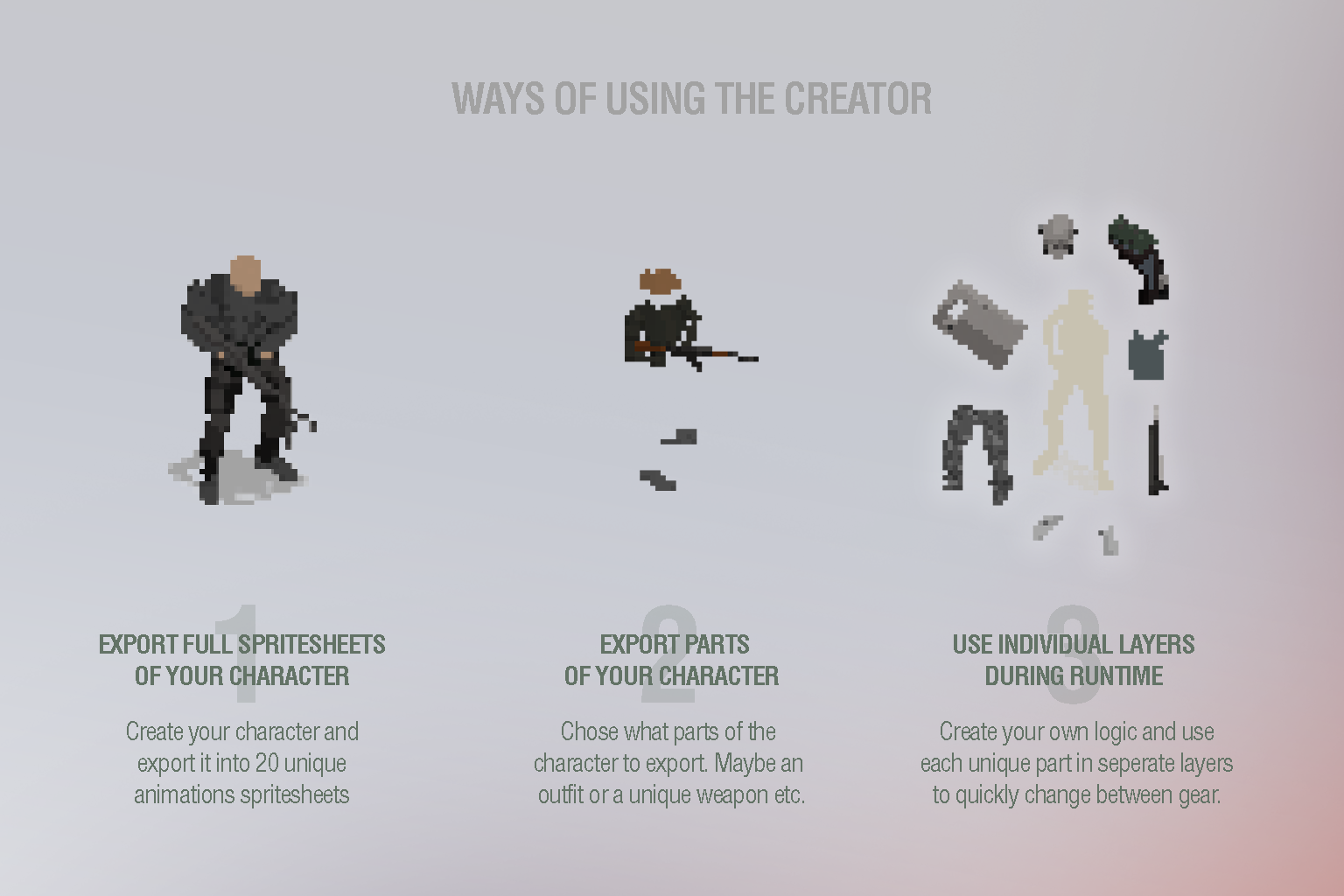
🚀 Ways to Use Character Creator
Character Creator is built to be flexible and can be used in several ways:
-
🎨 Export Full Characters
Customize and export fully equipped, animated characters as ready-to-use spritesheets. -
🧱 Export Specific Parts
Create and export only a chest gear set, a shield, or a weapon for modular use. -
⚔️ Runtime Gear Switching
Skip exporting and use character parts as layered sprites in-game, allowing live gear swapping, color changes, and more (just like in the example scene).
💥 Visual Effects & Add-ons
-
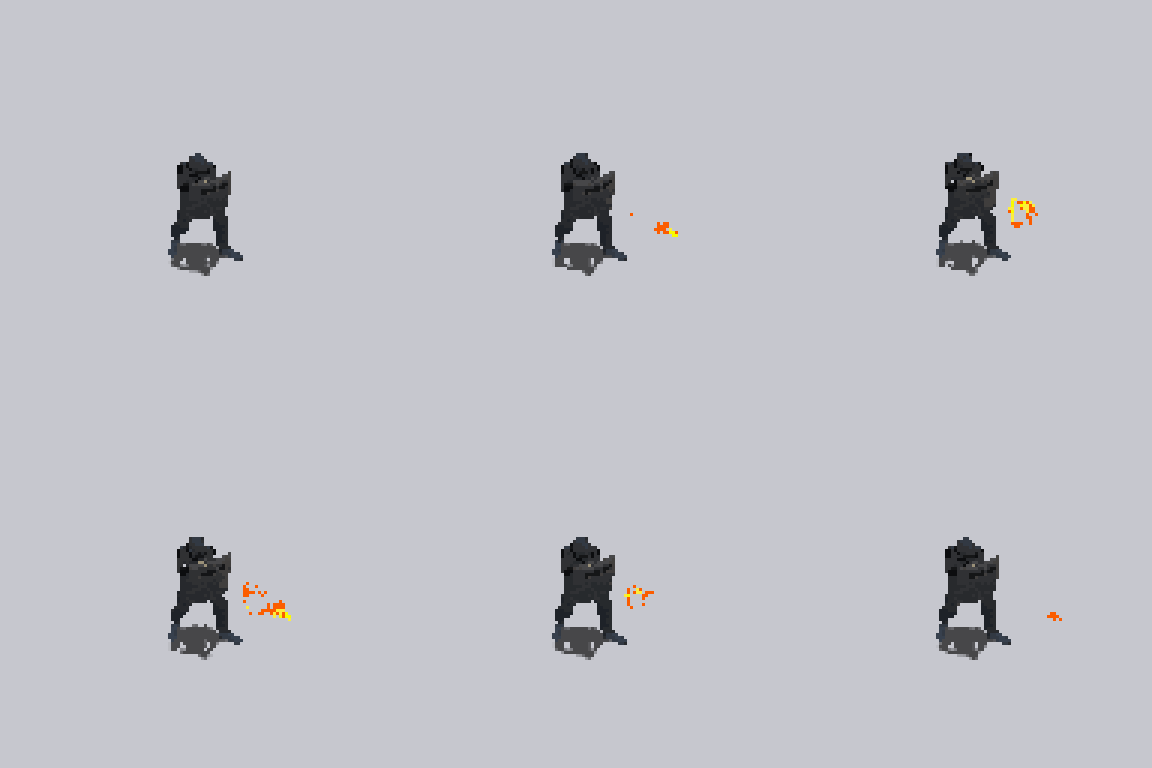
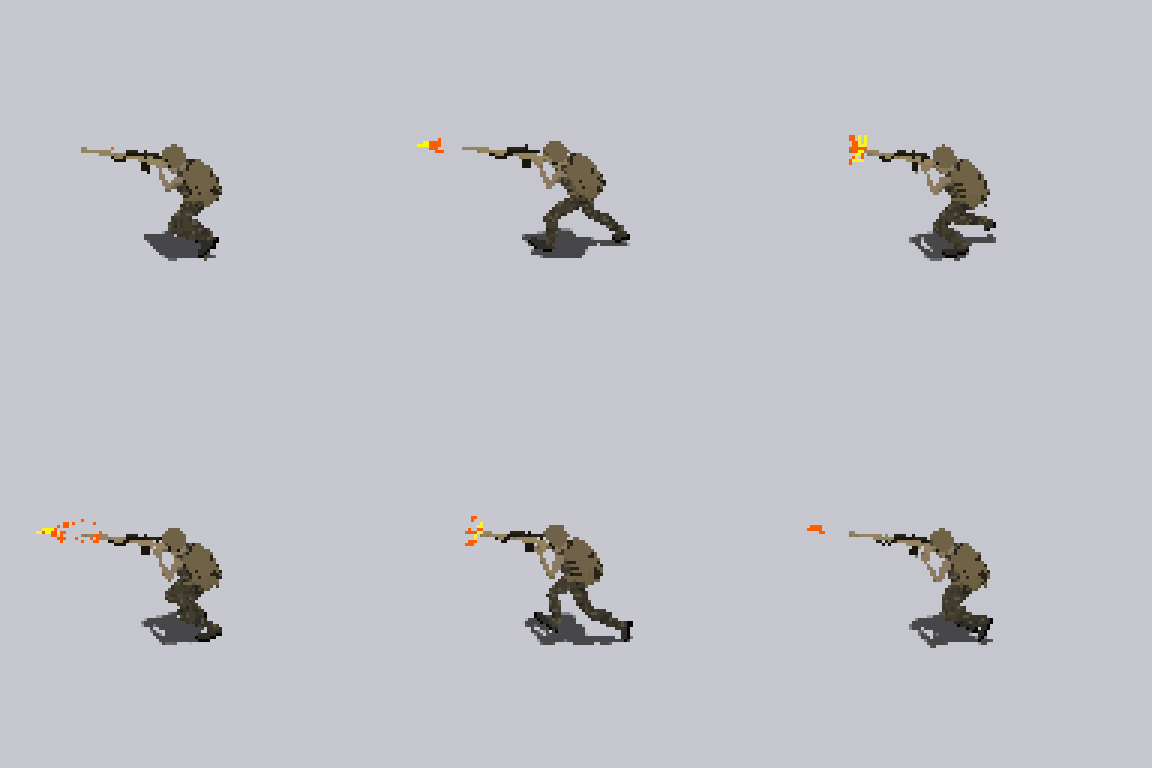
4 unique muzzle flash effects
-
Optional shadow layer (toggleable & tintable)
-
Real-time animation previews
-
Compatible with pixel-perfect camera setups
🧾 Included Animations (23+ in 8 directions)
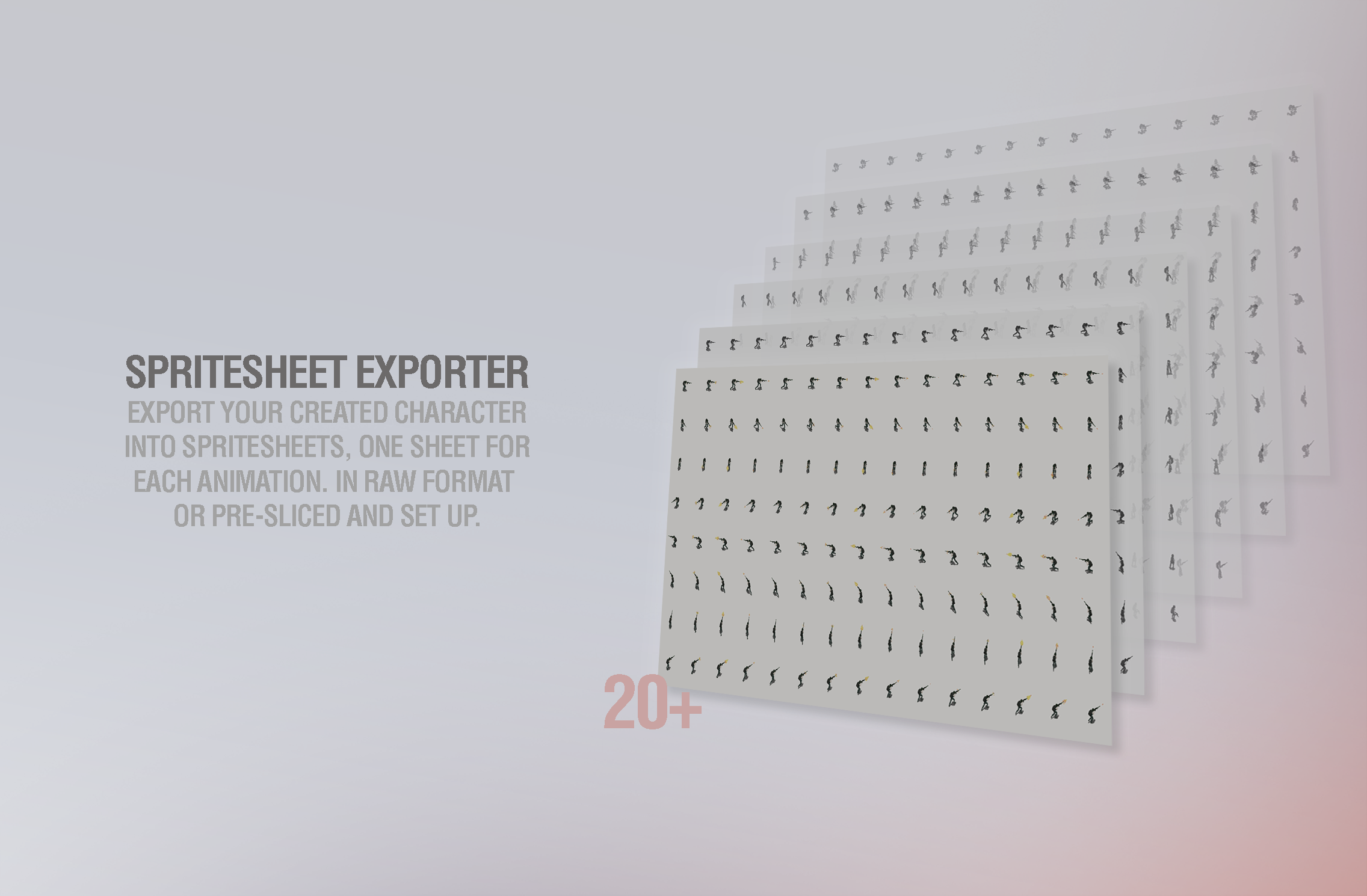
Each character can be exported into individual spritesheets per animation, rendered in 8 directions for smooth omnidirectional movement and combat.
Combat & Action:
-
Attack1 (Ranged)
-
Attack2 (Throw)
-
Attack3 (Melee 1)
-
Attack4 (Melee 2)
-
RunAttack
-
RunBackwardsAttack
-
StrafeLeftAttack
-
StrafeRightAttack
-
CrouchIdleAttack
-
CrouchRunAttack
Movement:
-
Run, Walk
-
RunBackwards
-
StrafeLeft, StrafeRight
Idle & Utility:
-
Idle, Idle2 (Aiming), Idle3 (Relaxed/NPC)
-
CrouchIdle, CrouchRun
-
TakeDamage, Die
-
Taunt (Use for reloads, looting, lock-pick, interacting, etc.)
📦 Export System – Spritesheet Generator
-
One-click export of clean
.PNGspritesheets -
One sheet per animation (15x8 grid layout by default)
-
Toggle shadows, gunfire effects, and other overlays
-
Real-time UI preview of all parts and colors
🧪 Bonus Features
-
⚡ Randomizer – Instantly mix up gear and colors
-
🎚️ Presets – Load example outfits instantly
-
🎯 Tooltips – Hover-based guidance throughout the UI
-
🖼️ Included UI Elements – Buttons, toggles, swatches, and icons for reuse
-
🧍 Unarmed/NPC Mode – Easily hide gear or generate civilian characters
🧩 Use Cases
-
Tactical or survival games with customizable squads
-
RPGs with deep character creation
-
Procedural NPC generators
-
Shooters with visible weapon and gear systems
-
Cutscene-ready character exports
-
Indie devs needing fast character production
📝 Usage Disclaimer
Character Creator is designed as a graphical tool for exporting spritesheets. While the code is accessible if you go with the unity package, the system is not intended to be deeply customized or modified into a full in-game editor. The provided documentation is focused on using the creator as-is inside Unity.
This tool works best when used inside the Unity Editor or in the standalone version.
📄 Licensing
Spritesheets and characters created with this tool are licensed for use in your own games or interactive projects.
You may not resell, redistribute, or package exported assets (characters, weapons, gear, animations) as part of another asset pack or character bundle.
Character Creator is your complete toolkit for building modular, animated characters. Whether you're creating one hero or a whole cast of survivors, it's built to help you export at scale—fast, clean, and without ever needing to open an art program.
🧟♂️ Assets that works great with the character creator!
Looking to build a full zombie-themed game world? These assets are designed to fit seamlessly with Character Creator – Modern 2D HD, both in visual style and technical structure:
-
🏙️ Zombie City – Tileset
Build large, urban post-apocalyptic environments using over 1000 modular tiles, animated props. Includes 5 fully animated zombies and a survivor character.
-
🌾 Zombie Rural – Tileset
Create atmospheric countryside or wilderness zones with over 1800 tiles. Features animated props, unique survivor, and unique zombie characters. -
🧟Zombie Character Pack
Add over 35 fully animated zombies with 8-directional movement and attack animations. Includes blood FX, portraits, and matching visual style for seamless integration with your characters.
All three packs are available on Itch and work perfectly with Character Creator — making it easy to design survivors, enemies, environments, and entire game-ready scenes using one cohesive art direction.
🎁 Two Free Characters — No Purchase Needed!
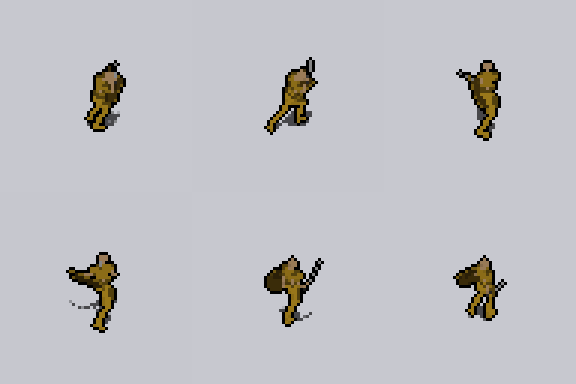
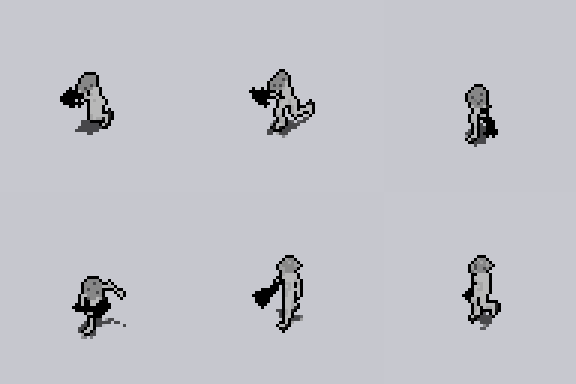
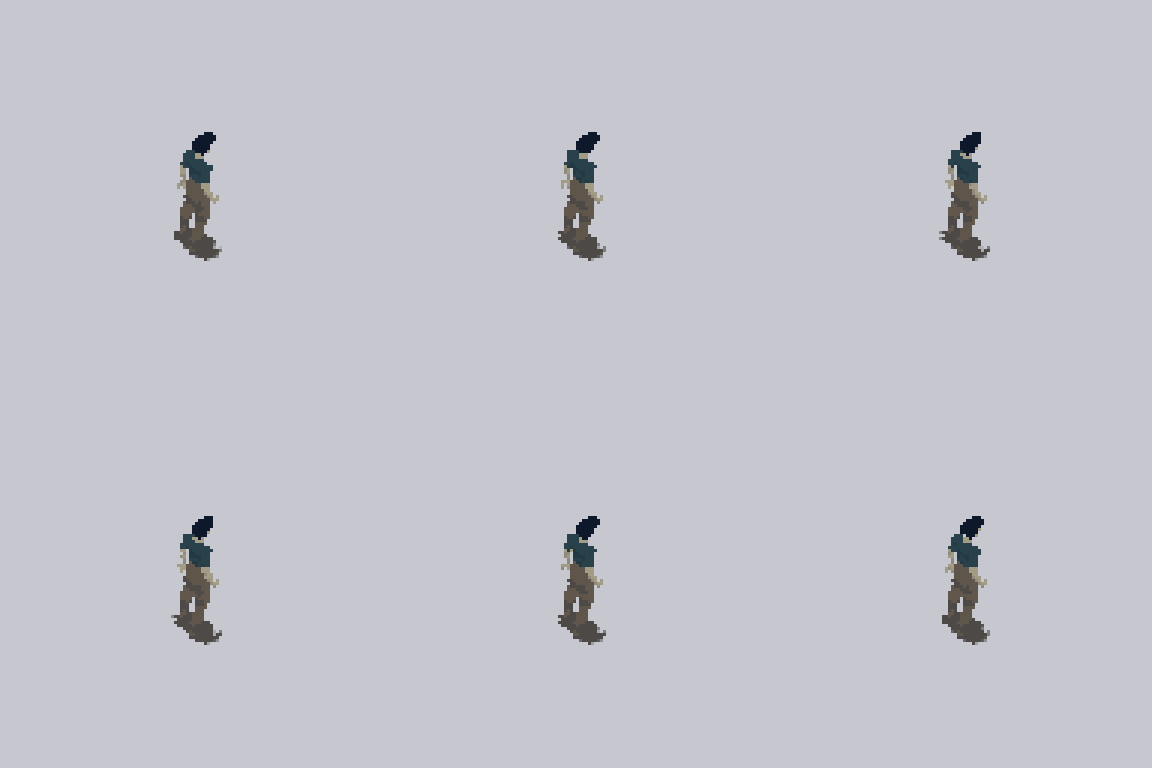
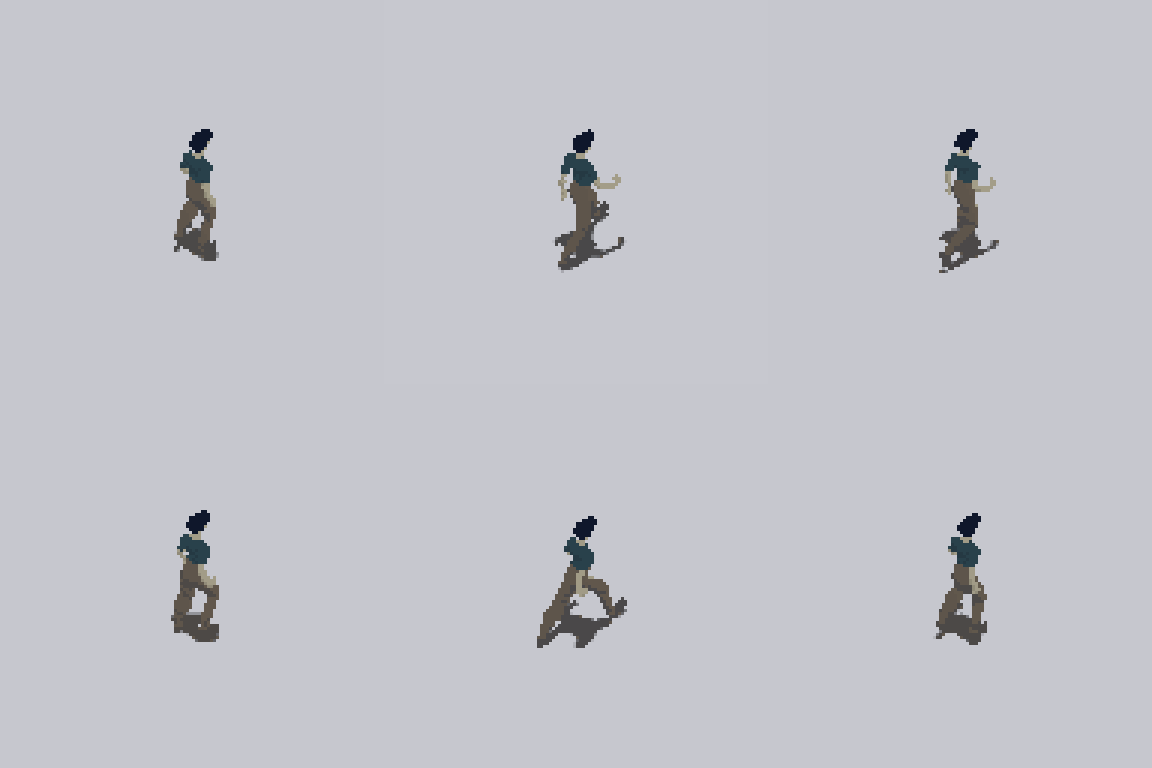
To show what the Character Creator is capable of, I’ve included two fully animated characters that you can download and use in your game completely for free:
-
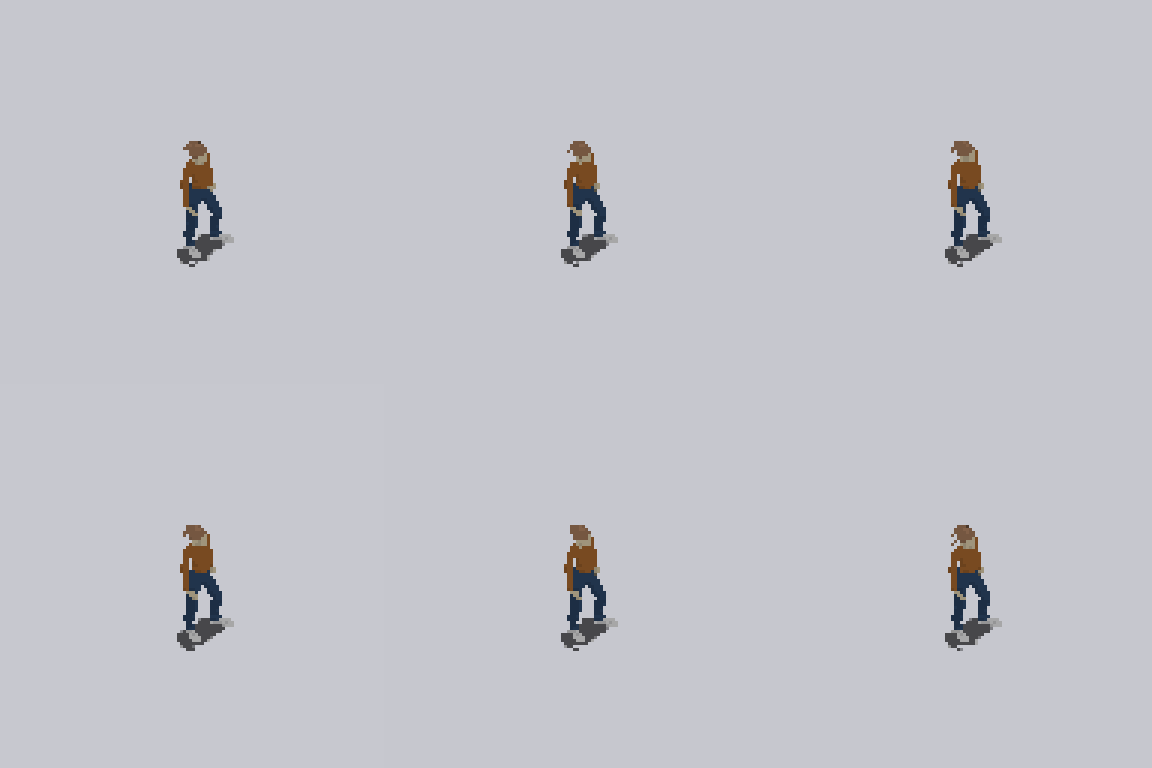
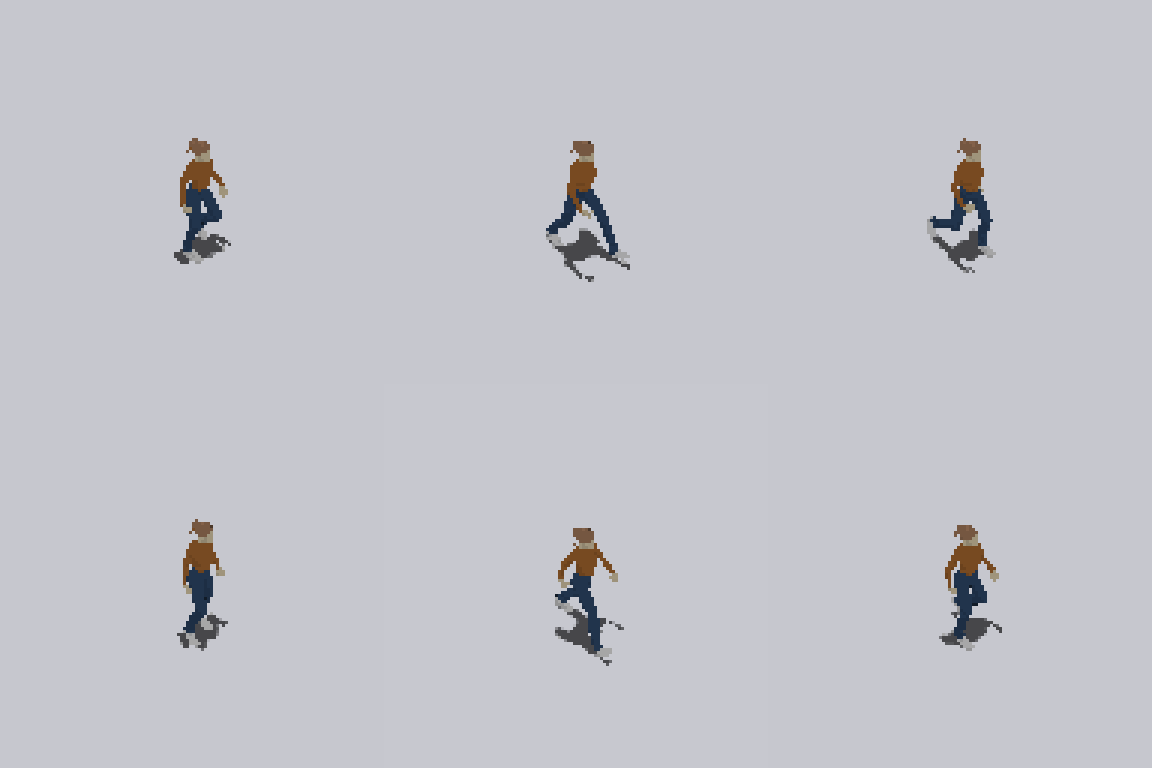
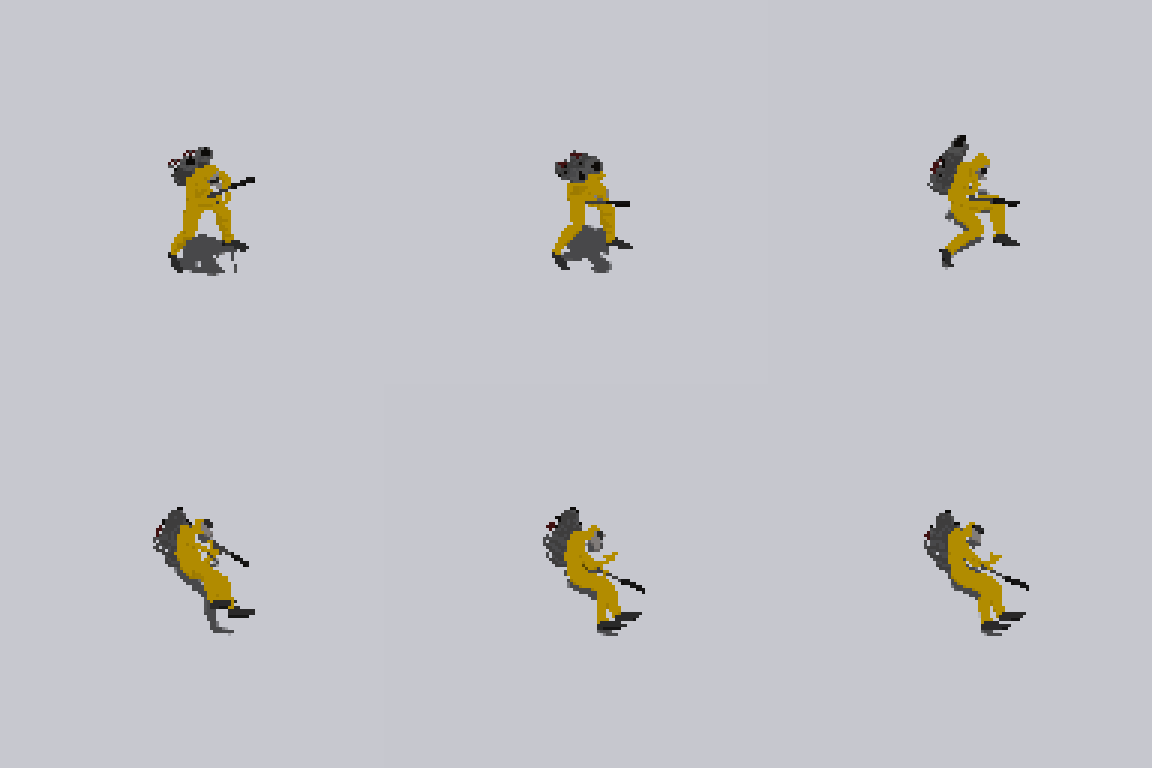
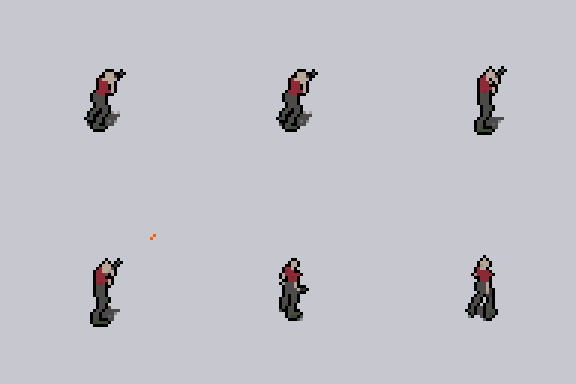
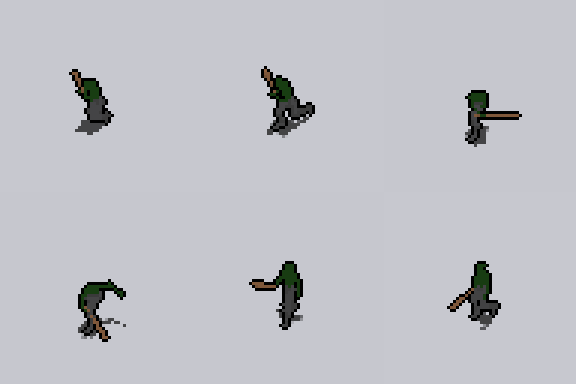
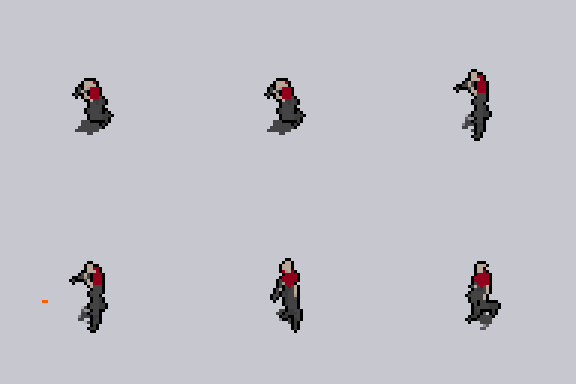
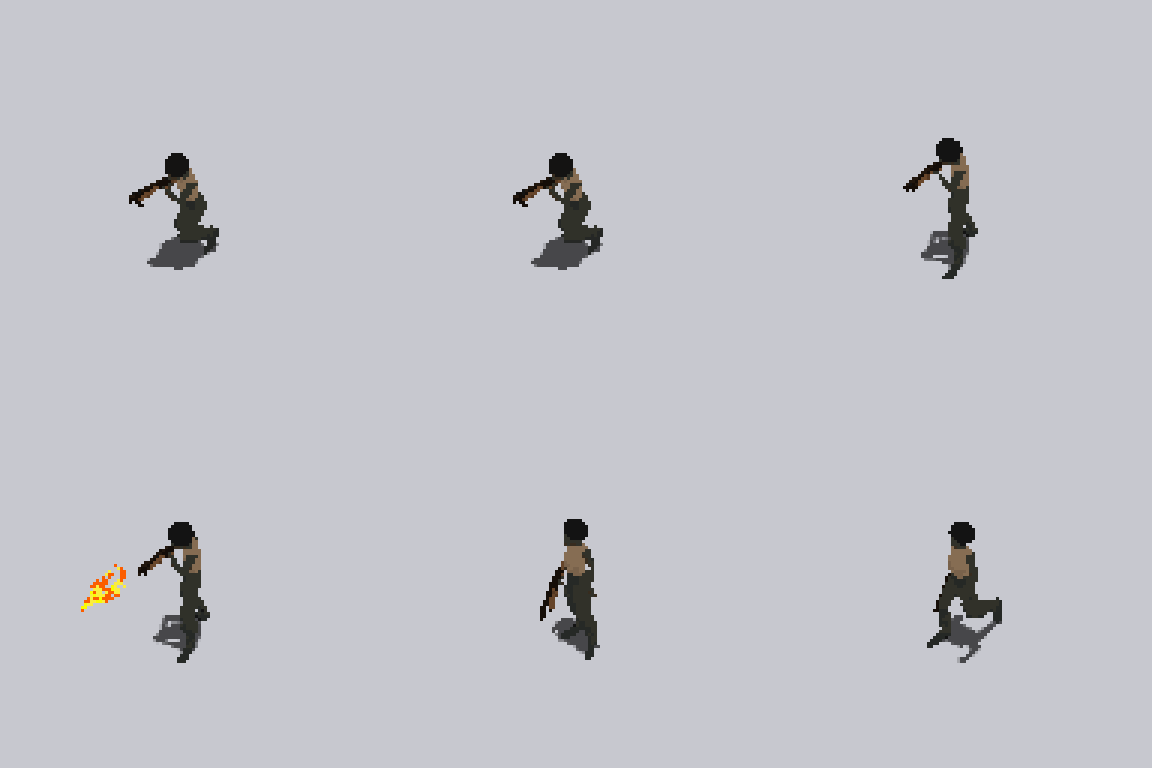
🧍♂️ HD Survivor – A modern survivor equipped with a shotgun and motorcycle
-
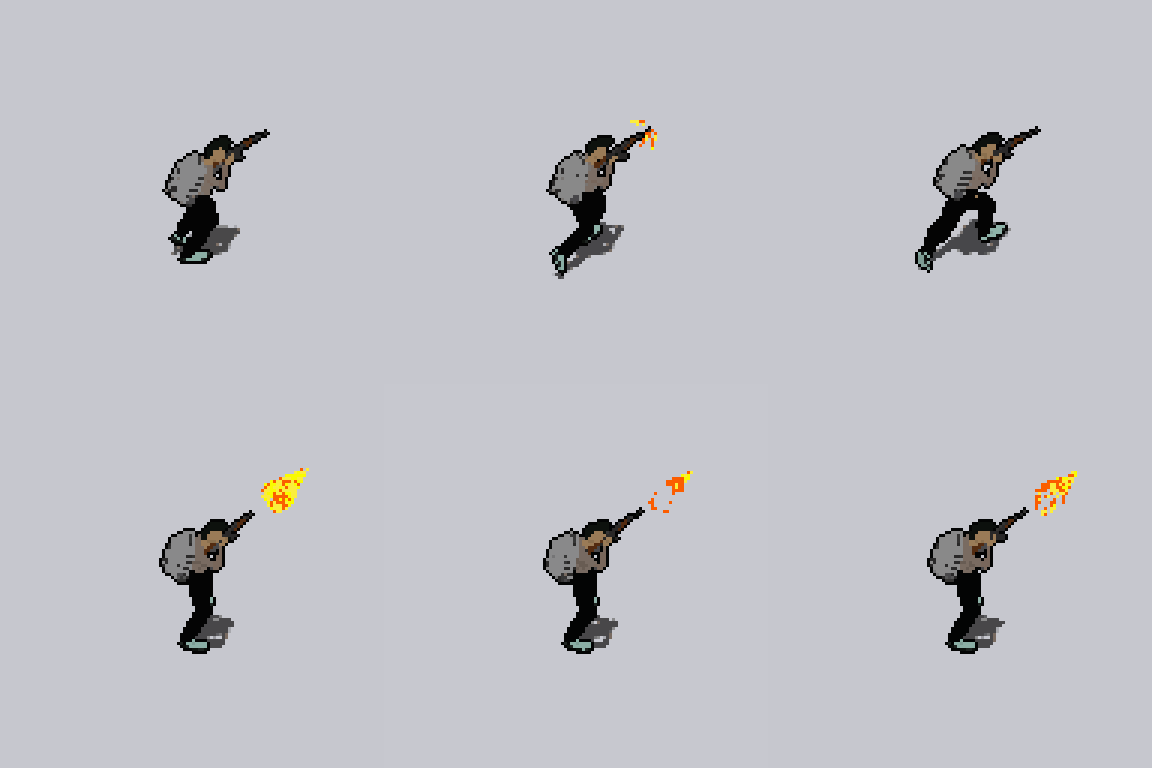
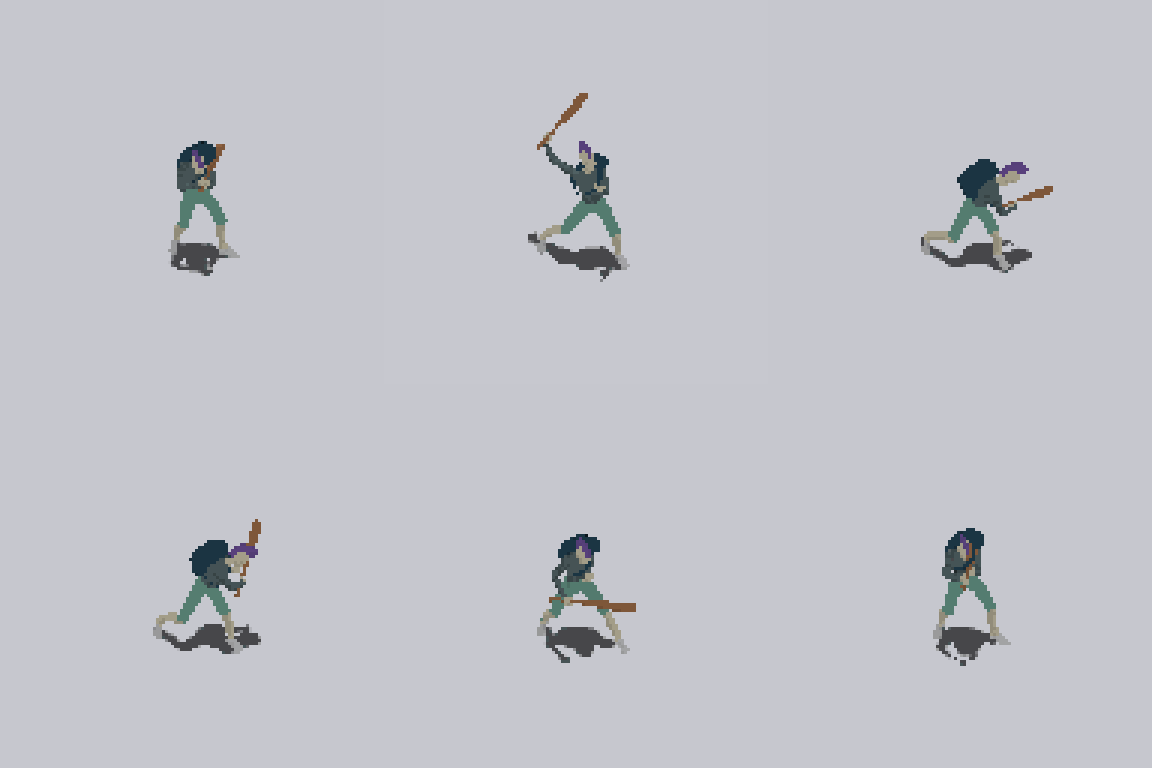
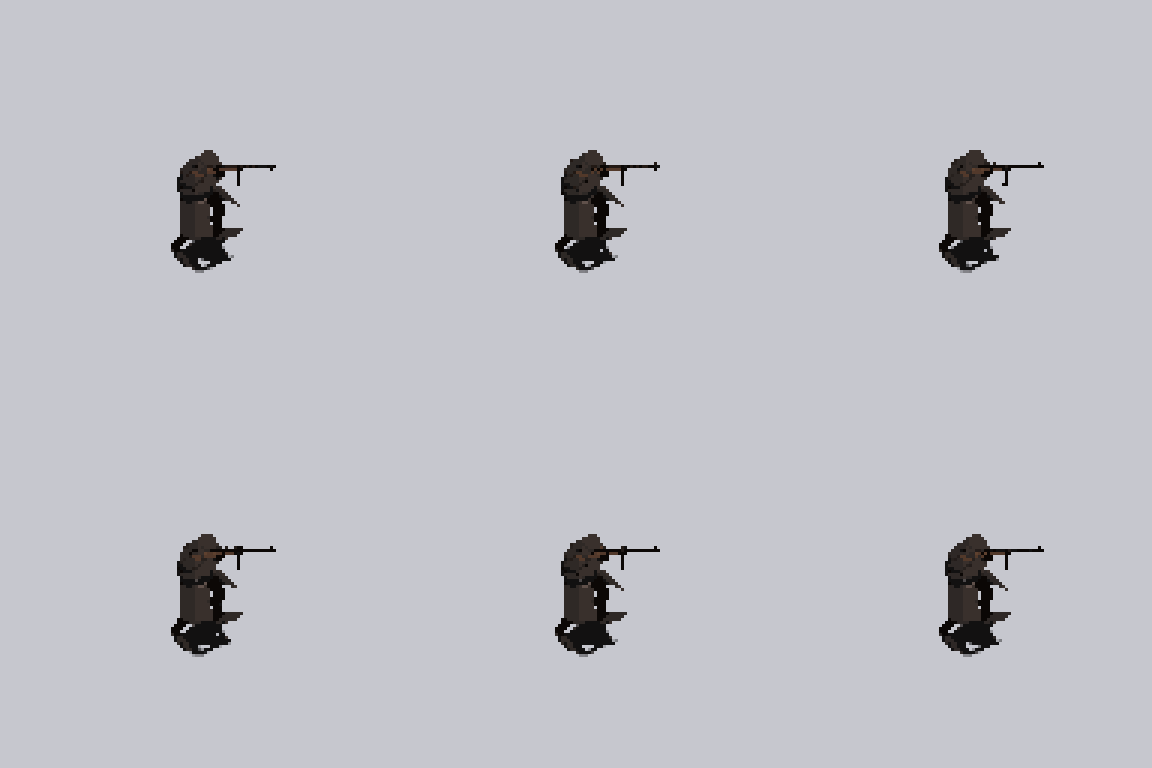
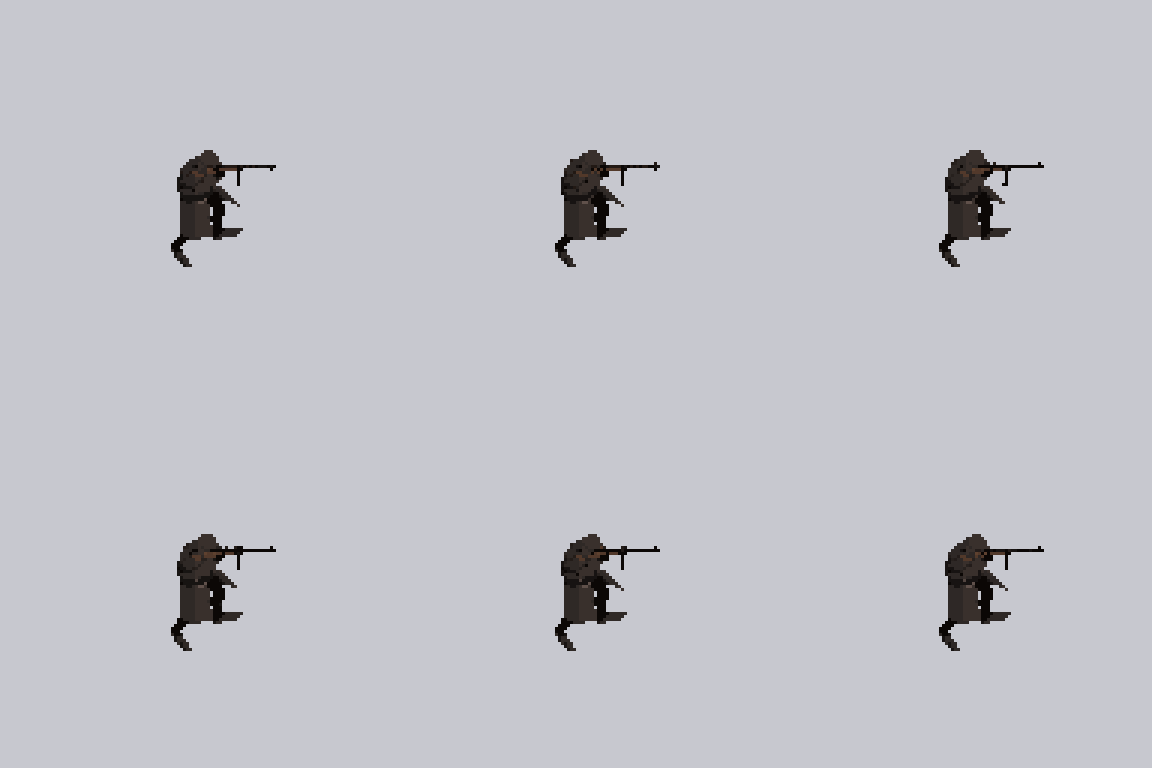
🧢 16-Bit Thug – A pixel-style thug character with a rifle and black outline
These are pre-exported characters built using the new 2.0 features. No purchase required — just grab them, drop them in your project, and start experimenting! You can see how they look in the GIFs below.
📦 You’ll find the free download links at the bottom of the project page.
In order to get access to the full character creator app you need to buy it at its current price, please see the instruction in the checkout.
For feedback please leave a comment or email me directly!
Download
Click download now to get access to the following files:
Development log
Comments
Log in with itch.io to leave a comment.
Character Creator 2D -> The 2.0 zip is broken/corrupted. Cant open it on my mac. Even tried to use an online converter to change it to 7z or something but it failed. Please fix ASAP
Thats strange. I repacked it now and uploaded it again using the standard windows "Send to compressed folder". Should work now, please download the v 2.1
Is there a chance to add animations for crafting, hunting, and so on? Haven't bought this yet, but plan to.
Is there any animation that would simulate the character throwing a grenade? interested in this
Yes, its called "Attack 2". Its used for throwing.
Fyi, tried to download this using the itch.io app. Seems like it doesn't support the zip format or something like that.
Thank you for the heads up! I'll look into it.
Hi, just to let you know that the asset on Unity store has a 2.1 version while this here doesn't.
I own the bundle but ended up having to buy your Fantasy tileset twice because you wouldn't include the demo scene on itch. I do hope you'll keep updating to latest versions Unity assets that are included as part of the package, though.
Thanks for your feedback. Yes it now has the latest version here as well. The update makes it work better with unity 6.3.
Hi SmallScaleInt !
How can I export the character without weapons? It seems that we can't hide this part.
Hi! If you have a weapon selected/equipped, try clicking on it (the weapon icon) again. This should deselect the weapon and disarm the character.
Thanks for your quick reply! It works perfectly :-)
I'm such a fan of your work and your responsiveness <3
I was really surprised by the quality of the this app, it's more useful to me than the big players like Reallusion. Would like to see some higher resolution options, scaling options, spritesheet frame size, that sort of thing. Would gladly pay for an upgrade with those features.
Thanks, very good feedback! Im currently planning a pro version of the character creator that would allow more freedom for the user to modify the character. This would include changing to higher resolutions and changing the character scale. Im early in the development so feedback like this is valuable.
For starters, I need to preface this by saying that this is indeed an amazing product.
I used this again recently and i have a couple questions/feedback. Some could be applied to the fantasy creator as well
Some QoL:
1 - Some animations are bound to number keys. Having some way to list them so it's more visible would be nice.
2 - Being able to name export folder so it's more organized
3 - Choosing HD or 8 bit changes export resolution but there's no change in the preview
4 - Sometimes walking and shooting freezes the walk animation in the preview
5 - Can we have a different firing animation for heavy weapons? Lifting a minigun to eyesight level and firing doesn't make much sense. The pose in idle animation is basically what we would need since it's more at hip level. If we could get a firing animation at that level as well would be cool
6 - Are the gun/weapon icons in these creators available for use and if so where can we get them?
7 - I saw that you're planning on doing a Pro version of the creators. Are these just with more features or would they also have more content? I don't think it has been disclosed what the selling strategy would be but if I may throw my 2 cents in, I think releasing an upgrade pack with more content (customization and/or animations) for a price would be totally justified. On the other hand I think releasing a separate pack just for features for a price wouldn't feel as good. I'm all for supporting extra content but I think it would be better to support 1 version of each creator with feature improvements and if needed released asset addons for a price
EDIT:
8 - instead of just allowing clicking on buttons to change options, maybe adding a dropdown so it's faster to go a specific option. Perhaps where the output is displayed it could double as dropdown to do it.
9 - This is more UX than anything but it's a bit weird that i have the buttons to change on the right side and label of what changed on the left. If they could grouped closer together would be nice as well. Maybe under the label "Shoes" that sits between the arrows you could add the "shoes2" under it. The previous dropdown could even be here as well doubling its purpose as that new label. It would also free up UI space for other features that might be added
EDIT2:
10 - Since the exported characters can look in 8 directions it would be nice to export movement in 8 directions as well. Right now if you're facing a diagonal but try to move in an orthogonal way there's no animation that matches 100% and the leg movement looks weird. Example, looking to upper-right and trying to move left. The good news is that depending on your setup you already have all the components needed. For the example i gave, the fix would be to maintain the upper body with that direction (upper-right), but then have the lower body use strafe-left animation as if facing upwards. It might be more work under the hood to make this work, but the animations are so good that little details like this mismatch in leg movement easily catch a player attention because everything else looks so good and smooth.
Thank you so much for taking the time to write all this — detailed feedback like this is incredibly valuable and honestly pretty rare to get. I really appreciate it. A lot of what you mention makes perfect sense, and several points line up with things I’ve been wanting to improve myself.
Regarding animations: this is by far the most common request I receive, and I completely understand why. The challenge is that the current creators are built entirely around pre‑rendered spritesheets. Adding even a single new animation means re‑rendering every combination of body type, gear, and weapon, which quickly explodes into hundreds of new sheets. That also increases the overall package size quite a bit, so I have to be very selective about which animations I add. But your notes about heavy‑weapon firing and directional movement are good — I’ll take a closer look at what’s feasible without blowing up the workflow.
Your UI and QoL suggestions are all solid. Things like listing the number‑key animations, improving the preview behavior, dropdowns for faster navigation, and grouping labels/buttons more logically are exactly the kind of refinements that make the creators nicer to use. I’ve added these to my internal list and will see what I can include in upcoming updates.
For the weapon icons: the only way to access them is through the Unity package included with the product. If you open it in Unity, you’ll find all the source files there, including the icons, and you’re free to use them however you like.
About the Pro version: this would be something completely different from the two current creators — more of a standalone tool rather than a preset‑driven generator. The idea is to let users create their own animations, adjust rigs, customize characters at a much deeper level, and generally have far more flexibility than what’s possible in the current system. It will also come with a steeper learning curve because of that freedom.
I’m also exploring support for additional viewpoints, including true top‑down and sidescroller perspectives, all within the same Pro creator. It would not reuse the same gear, designs, or character sets from the existing creators — it’s essentially a new ecosystem built for people who want full control rather than a quick workflow.
Because of that, I still think the current lightweight creators have an important place for users who want something simple, fast, and ready to use. The pro creator Is still early in development, and I’m working on updates for the current creators and assets at the same time, so the timeline for all of this is still very uncertain.
Thanks again for such thoughtful feedback. It really helps me shape the direction of these tools, and I’m glad you’re getting good use out of them!
Hello again and thank you for addressng the various points. It appears I was under the wrong impression of the scale of the "pro" version. Taking into account the what you listed I can understand it being sold as separate product. It's not just more features and content but an entirely different workflow and possibly targetting a completely different set of users. With that said I'm glad the "legacy" versions will still be supported and possibly received QoL updates that you learn from doing the "pro" version. I know you had a lot of work with the last tilesets but I'm really eager to see what your next character pack will be since those are the hardeste to come by with good quality and hunting assets. Now I don't know if we'll get a regular character pack next or the new creators but I guess I'll have to wait to find out. Keep up the good work. If I remember some extra feedback I'll reply to this (or your reply) to avoid filling up the comment section with this.
Speaking of which, not sure if you still have it but I think when I 1st got the packs I suggested keeping export spritesheet direction order consistent (for easier import workflow) and also, in case you do projectiles again give a version without movement built-in the animation (sprite always centered so people can move it as they wish inside their engines). Not sure if it's still relevant but better safe than sorry.
Thanks for listening and replying and have a good day.
EDIT: As I kept thinking about it, the "pro" version sounds like a massive undertaking if you're going to allow things like creating animations. Maybe you're already aware of this but that sounds not only hard to implement but also hard to expose to the user in a way that is easy to use. If I may make another suggestion, depending on your asset creation workflow and compatibility between the systems, you could maybe sell character packs as "presets" usable out of the box like they are now and the pro-version could include those assets (already build-in or included with the character package, an "extension" file for the creator to support these assests as well). For people that want stuff that just works they have the traditional packs, and the users that want maximum customization can use the pro-version and still benefit from packs coming out by getting extra content for their "pro" creator. Of course this would probably only work characters with the same "shape" so maybe monster or animal characters would only be able to be sold as a standalone packs and not integrated in the creator but hey, if you somehow worked out too the better (but realisitically it might provide some challenges that might not be worth it, at least for the first iterations)
Part of me saying this is because I feel that if the "pro" creator is your next project I don't think we'll see anything for several months, and if you could find a way to make pro creator and packs compatible (maybe only future packs because retrofitting this is probably a lot of work) you could make some character packs from time to time as you work on the creator and you would also give yourself an easier time to drop packs/extensions to the creators content in future without leaving creator buyers out because content only came out on a char pack, or leaving pack buyers out because the new content is only for the creator. With a sort of extension system, packs could be sold and double as stand-alone and pro creator extensions. Priced correctly I think it could be a viable business model. It's extra work for sure, but if you're going to do all these advanced features anyway, maybe consider this.
Thanks again for taking the time to share such detailed thoughts — I really appreciate it. A new pack is already in the works, though I’m not ready to reveal which one just yet.
Regarding the pro creator, you’re right that it’s a big project, and I’m approaching it carefully to make sure the workflow feels good for users. It’s still early in development, so a lot may evolve as things take shape, but your points about compatibility, presets, and workflow consistency are definitely noted.
I’m glad to hear the legacy packs are still useful for you, and I’ll keep your suggestions in mind as I continue improving both the existing content and whatever comes next.
A companion like a dog will be great!🐕🦺
Hi, I love your assets but just missed the fall sale. Do you plan on doing another sale for Christmas or Black Friday where they are all in a bundle? Thx in advance.
Thanks. Yes I will be hosting a black friday sale starting tomorrow with a great discount!
I just purchased this package, can you give me a hint on how to handle the weapon change in the game? (I am using Godot) I want to change weapons like any game, using an inventory or something similar. Could I get in touch with you by email or something similar to ask a few questions? Thanks in advance.
Hi. How you setup weapon swap in your project is really up to you and how you decide to code it. In the character creator it's simply a unique game object for each weapon that gets shown and hidden when you swap. I have no experience with gadot so I don't know if there is a better way of doing it.
Thanks man!
You can try this. Export your characters layer by layer with only 1 layer visible (only 1 piece of clothing, only the gun, etc) and then in godot instead of just importing 1 spritesheets, you import the various spritesheets, stack them and then you can change them at runtime to equip different clothes, guns, etc
Do you thin I can use this tool with your isometric packages like "Zombie City - HD Isometric Tileset"??
Yes absolutely. The characters exported are visually compatible with all the zombie tilesets, they are designed to look good together.
Thanks man.
Can I use this package for 2d games? I am using Aesprite and Godot.
Yes its created to be used in 2D games. I dont know about compatability with Aesprite, but the spritesheets generated with this creator works with Gadot.
Thanks man!
The pack is very good, but some functions for Windows are not working, and the most annoying thing is not cutting the strings, it's very tense like that... is there an updated version?
Thanks for the feedback. Can you clarify what you mean by “not cutting the strings” and which Windows functions aren’t working? I’d like to understand so I can look into it.
Yes, of course, the sprite sheet doesn't appear when exporting, and there are no characters without weapons for NPC use. The resolutions also don't appear.
The post-processing options appear before exporting, as I also don't see the difference between HD and 16-bit. Thank you very much for your attention.
If you're using the stand-alone version (not the Unity version), all generated sprite sheets are saved in a folder called "Created Spritesheets" located in the root directory of the application.
To hide a weapon, simply click on it again in the UI—this will toggle its visibility off.
There are several idle animations available. Some are designed to look natural when the character is unarmed, while others are intended for use with weapons. For unarmed NPCs, Idle 3 is a good choice.
Post-processing is applied after the sprite sheets are generated, so unfortunately there's no way to preview the results beforehand, this includes the resolution.
Ok, I'll check everything now to see if I'm the one doing something wrong, is there somewhere I can contact you other than here?
Sure, please check if it's working on your end. I haven't encountered the issues you mentioned before. And yes, email is smallscaleinteractive@gmail.com
how do you make females with it
Hey, I bought your complete set(all 14!). Could you pleeeease increase the resolution of the characters of this Pack (Character-Creator 2D Modern) even further?
I saw the "HD" option, but to me, the characters still look very low-res.
That would be amazing — thank you! :)
Thank you Zhuraj. Unfortunately, there's no way for me to increase the resolution of these assets. You might be able to upscale them using an external tool or app, but I haven’t tested that myself, so I can’t say for sure how well it would work.
The reason it's labeled HD is simply to distinguish it from my 16-bit asset packs, as this one uses a higher resolution by comparison.
Hey, thanks a lot for your quick reply! It's sad that this isn’t possible at the moment but maybe one day there will be an option to add custom/own characters, clothing, and more to your system. Until then, I’ll be using it for prototyping my game. It works perfectly for that! Thanks for your amazing work, and keep it up! :)
Got this as part of the bundle, really good stuff! Hoping new releases would have more variety of animals (flying animals, snakes, etc), instead of mainly humanoid characters. Do you have a discord/patreon somewhere which you use to gauge interest and decide what to release next?
Thanks! That’s a great idea—I’ve been considering adding more animals to the creator. I could include them as mounts, though the only customization would be changing the color. Some time in the future, I’m planning to release a monster-creator, and it would probably include some animals as well. I dont have a patreon or discord at the moment no.
That would be amazing, looking forward to it! I saw some unique animals (E.G. spiders) as part of the mounts for the fantasy pack, is there a way to 'hide' the model? Just removing the model results in a transparent body on the mount.
You can hide everything except the mount, but its not ideal to use the mounts without any type of body since it has "Cut-outs" for the legs of the character and these cut-outs will be visable if there is no character on the mount. But if you are ok with that visual imperfection its possible to just use the mounts as standalone creatures.
Is there any planning for adding melee attack animations while walking/running?
Not currently, but its a good suggestion! I'll add it to the wishlist and we'll see if I can include it in the next major update.
I will be waiting for this addition to my game, I realized that the animation of attacking does not have the animation of walking, as in its other packs.
And only reinforcing here his excellent talent and work!
I want more weapons, for example, I put one basic character for my open world game, but this is not possible because there are no weapons that can be put in any character I create. The tool loses its value. This way, I hope to make it better in terms of the multiplicity of weapons and their use with any character without specifying😕😕
Hi Raven—sorry if I’m misunderstanding, you can export the weapons without anything else if you hide all other parts of the character and only show the weapon. When exporting a character you can hide the weapon by simply clicking on the selected weapon, this will hide it. Then in your game you can just use the weapon in its own layer. This way you can switch between weapons as you wish with the same character. Regarding the amount of weapons, There are already 20+ weapons in the pack (with more coming), and even simple recolors on these low-pixel assets often look like entirely new designs.
Thank you, this means I can create my open world game with multiple weapons. During exploration, they will be added to the Inventory, and the weapon can be activated on any character I want. Thank you. We hope to add more, especially weapons and vehicles, all the way to bags.
I purchase and i want to know if as away to get the separated spritesheets of this plugin in a zip folder, because i need to use in a another engine and i want to try make a character based on sprite images
I think if a will export one by one as a lot of work XD
If you download the unity version you can extract the spritesheets from the explorer in the project folder. They are all located in the sub-folder called "Spritesheets".
is there any future possibility in support for custom sprite sheets? I'm an animator and artist, and while this tool would save me loads of time in certain respects, there are limits to it in the sense of there only being so many possible combinations and having some extensibility would be incredible. And I understand if that is asking too much, I just thought id start a dialogue on it to see whats up :)
Adding custom spritesheet compatibility is indeed complex, since it heavily relies on all spritesheets following the exact same animation pattern. You could, theoretically, take an existing spritesheet (lets say a weapon) and repaint every single frame, perhaps add a scope or something. This would be a big task, but it might work.
Does this tool only work with the characters included or can you import your own character?
it works by combining different premade spritesheets of body parts into a full characters. Its not made to work with other spritesheets, just the ones included.
Hi! When the standalone version becomes available, will it be sold separately or will it be an update to this current version? I'm waiting for it because I don't want to be tied to Unity.
it will be included in this same package, so if you already bought this pack you get instant access to the stand alone version.
Great! Bought it. :)
Stand alone version is now live in BETA. it's in the Zip file called Character creator - 2D Modern v2 BETA.zip
Amazing, thanks!
This is amazing! Wish I could use it with Clickteam Fusion 2.5 rather than just Unity though. Can you make it top down direct or just isometric?
Thank you! Yeah im working on a standalone version so you dont need unity, stay tuned. The view is strictly isometric, but having a straight topdown view is a good idea 👍
I am very interested in getting this pack to test a game idea I have. Once you have a standalone tool please hit us up.
Thanks! I will 👍
Stand alone version is now live in BETA. it's in the Zip file called Character creator - 2D Modern v2 BETA.zip
Just bought it and tested it. It is working perfectly on windows 11. Thank you so much my good sir
Thats great to hear! I will keep it in Beta for a while and keep running tests and gather feedback.
I have a question. My game isn't being made in Unity, but I'd like to export the sprites. Can I export separate layers (hair, armor, items) from the sprites and try to combine them in some way in my engine? Or can I only export the full character sprite?
Great question. yes you can export individual parts of the character and use them as layers, just make sure you hide the parts you dont want to include in the final output. For example if you just want to export a weapon, simply hide the body, head, chest, legs, shoes and set the shadow opacity to 0. if you want more control you can also use the base spritesheets that are used to make the creator, these are already seperated into each individual part and most are uncolored and can be found in the folder "Spritesheets".
Oh Cool! Can you also make something like grenade throwing? (Including explosion effects)
Thanks! There is an animation for throwing grenades called
but i currently have no plans on adding VFX for this. There are a lot of explosion packs out there so its hard for me to compete with those:)
There are a lot out there, but I don't think I've seen one that really matches the style.
Maybe you are right. I'll look into it!
This is Awesome, and id buy it in an instant if it was an .Exe and not a UnityPackage... Any future plans for a standalone version .?
Thanks! Yeah I have plans on making a standalone version as soon as possible.
Same here, I'm using Godot and don't know what to do with a unitypackage ;)
Keep it up, your work is amazing !
Thats great feedback 👍 I'll get on it.
Stand alone version is now live in BETA. it's in the Zip file called Character creator - 2D Modern v2 BETA.zip
Nice work! Just wondering if you were planning to create a monster or demonic realm pack. That would be really great!
Thank you! After I am done with the modern/Zombie packs im planning on moving over to fantasy assets, including environments and characters. Perhaps monsters would work in those packs.
Okay, thanks!
Will there be a fantasy modular version as well? It also would be great to have a series of magic buff and debuff VFX.
I was going to ask the same thing. A Fantasy version would be AMAZING as well. One additional vote for me as well!
(Still buy this pack because anything from SmallScaleInt is a must buy IMO)
This is also VERY cool in the world of AI Art Generation because I can make my dyanmically created portraits loosely match the "in-game" characters.
Thanks man! Absolutely im working hard on the fantasy series as we speak.